Installation Manual
Quidway Eudemon 200 Firewall Chapter 7 Interface Module
7-10
Description
Attribute
4E1
protocol
MP
7.6.3 Panel and Interface LED
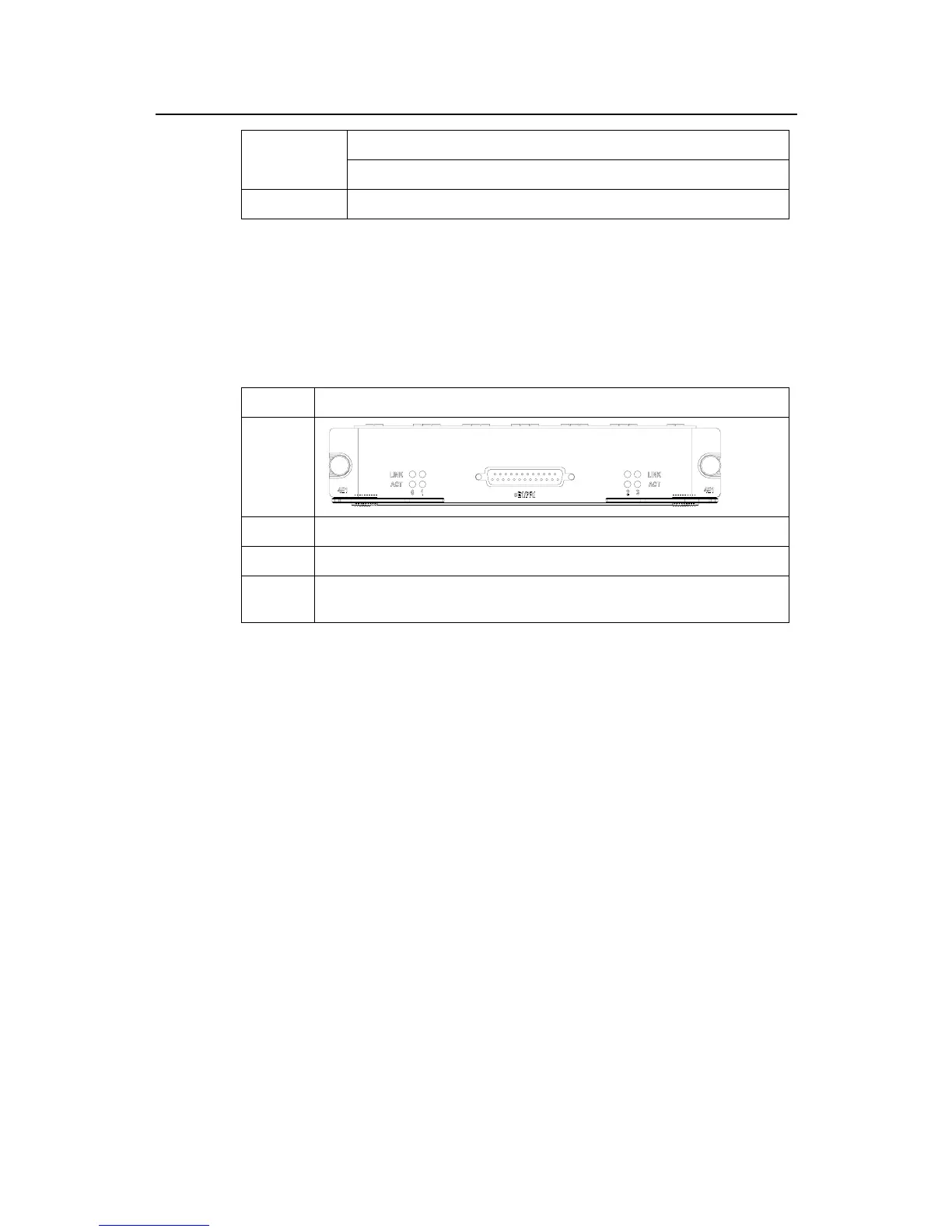
Table 7-7 illustrates the 4E1 panels and LEDs description.
Table 7-7 4E1 panels and LEDs description
Name Panel figure
4E1
Category Flash state and description
LINK OFF means the link is not connected and ON means the link is connected.
ACT
OFF means no data is being transceived on the interface and blinking means data is
being transceived.
7.6.4 Interface Cable of 4E1
4E1 provides two types of 1-to-4 adapter cables, that is, 120-ohm 4E1 adapter cable
and 75-ohm 4E1 adapter cable. At one end of both these two types of cables is the
DB-25 connector used for connecting the Eudemon200, and at the other end are four
DB-15 connectors used for connecting E1 cables. You can distinguish these two types
of cables by the main labels. The identifier printed on the main label of 120-ohm 4E1
adapter cables is “4E1-120Ohm-CAB“ whereas the identifier of 75-ohm 4E1
conversion cable is “4E1-75Ohm-CAB”.
The two types of cables have a similar appearance, as illustrated in Figure 7-3 and
Figure 7-4. However, the 75-ohm 4E1 adapter cable uses 8-core coaxial cables but the
120-ohm 4E1 adapter cable uses four twisted-pair cables.



 To Next Page