Installation Manual
Quidway Eudemon 200 Firewall Chapter 7 Interface Module
7-15
Table 7-10 Interface attributes of 4T1
Attribute Description
Connector
RJ-45
Connector number
4
Interface standard
G.703/T1 102, G.704
Interface speed
1.544Mbps
Cable
T1 cable (100-ohm standard shielded cable)
Operating mode
FT1, CT1, PRI
Supported network
protocol
IP
Novell IPX
Supported service
Backup
Terminal access service
Supported protocol
PPP
MP
7.7.3 Panel and Interface LED
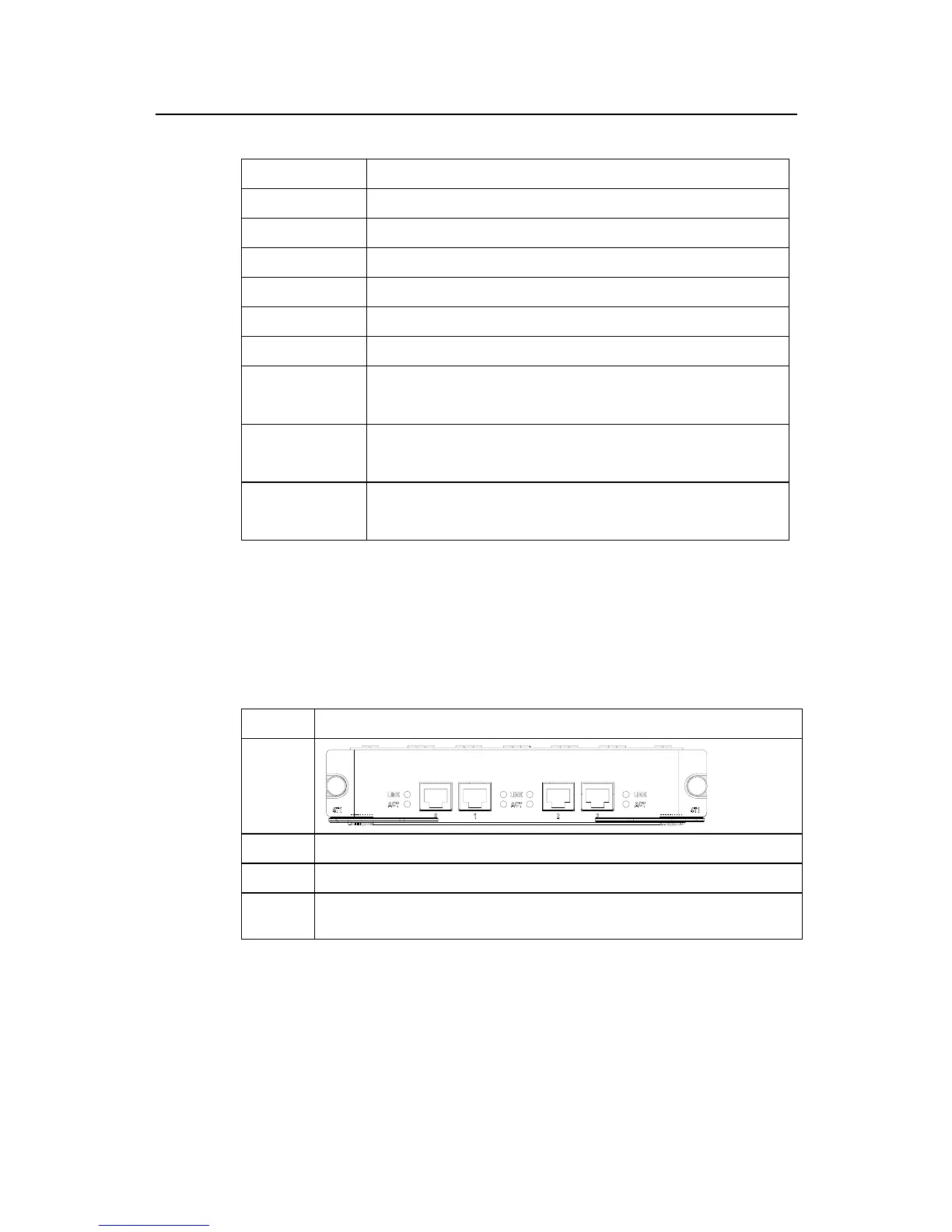
Table 7-11 illustrates the 4T1 panels and LEDs description.
Table 7-11 4T1 panels and LEDs description
Name Panel figure
4T1
Category Flash state and description
LINK OFF means the link is not connected and ON means the link is connected.
ACT
OFF means no data is being transceived on the interface and blinking means data is being
transceived.
7.7.4 Interface Cable
Interface cable (T1 cables) for T1-F is 100-ohm straight-through shielded cables, as
shown in Figure 7-6.



 To Next Page