Installation Manual
Quidway Eudemon 200 Firewall Chapter 4 Boot and Configuration
4-3
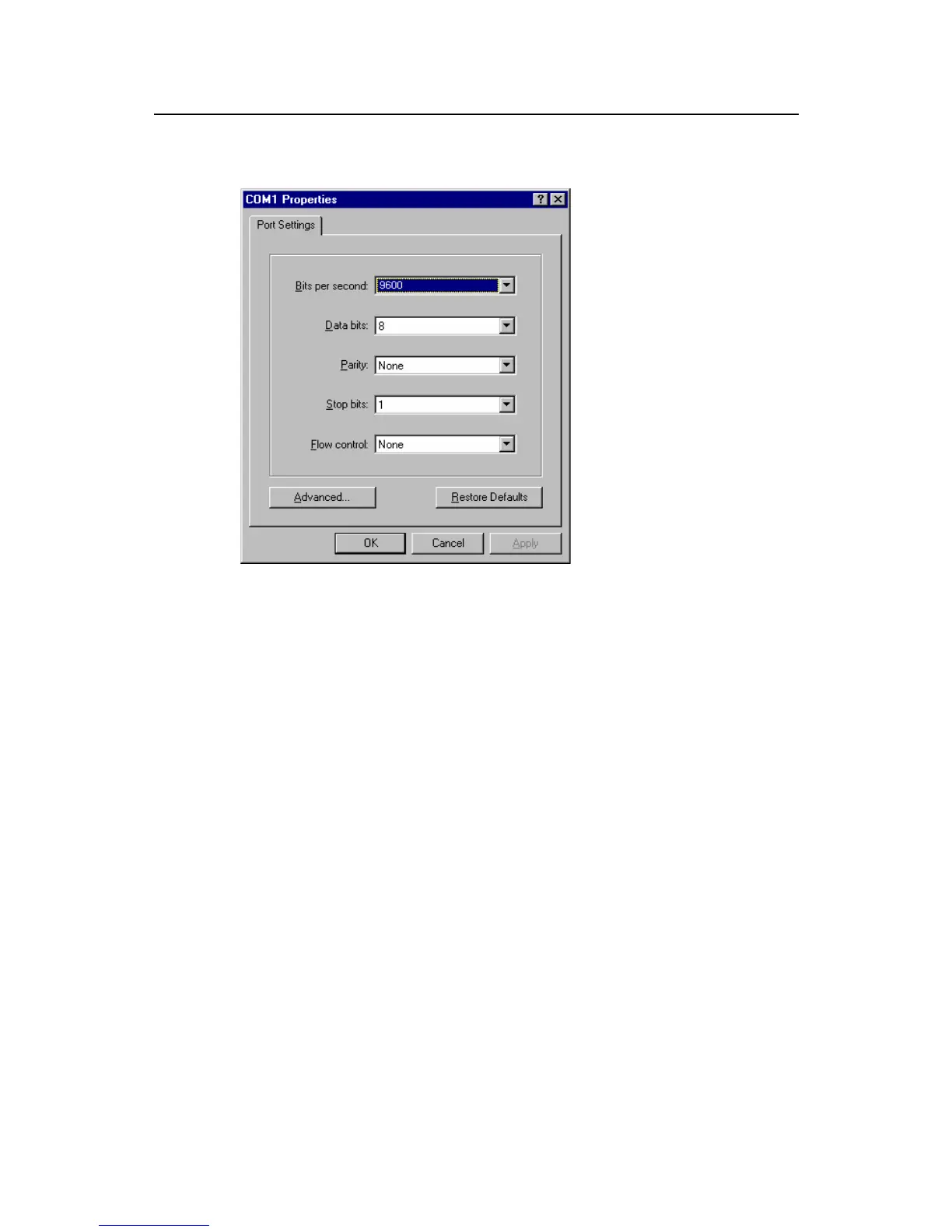
Baud rate 9600, Data bits 8, Parity None, Stop bits 1, and Flow control None. Click
the <OK> button to return to the HyperTerminal interface.
Figure 4-4 Setting serial interface parameters
3) Set HyperTerminal properties. Select [Property/Settings] on the HyperTerminal
and enter the property setting window, as shown in Figure 4-55. Select VT100 or
auto detection as terminal simulation type, press [Ok] and return to the
HyperTerminal window.



 To Next Page