Installation Manual
Quidway Eudemon 200 Firewall Chapter 4 Boot and Configuration
4-2
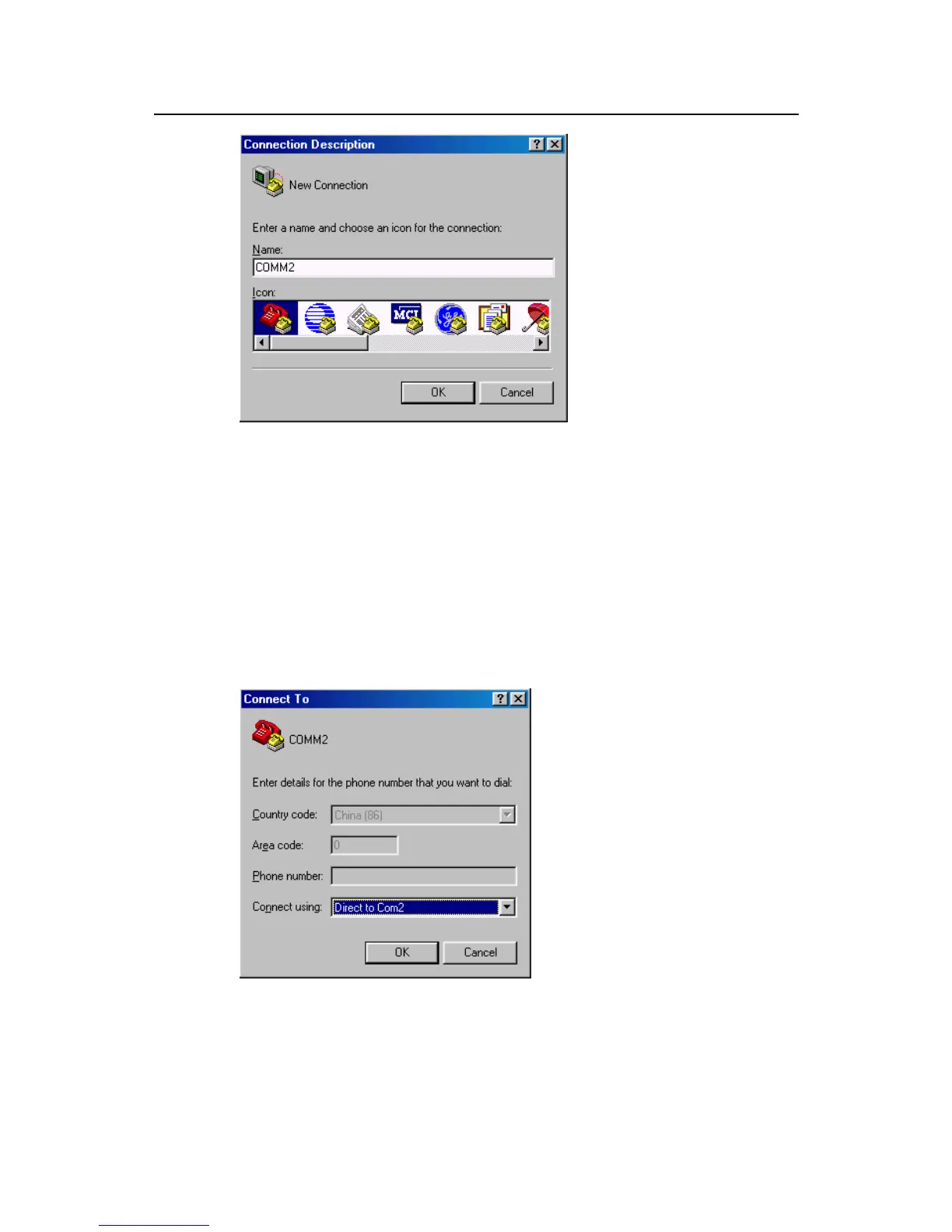
Figure 4-2 New connection
Step 2: Set terminal parameters
Parameters of the HyperTerminal of Windows98 are set as follows:
Select a connection port:
1) While implementing the local configuration, choose the serial interface to be
connected in the Connect Using box, as shown in Figure 4-3. Please notice that
the selected serial interface should be consistent with the actual serial interface
connected by the console cable.
Figure 4-3 Setting the connection port in the local configuration
2) Configure the serial interface parameter settings. As shown in Figure 4-4, in the
properties dialog box of the serial interface, the parameters are set as follows:



 To Next Page