SUN2000L-(2KTL-5KTL)
User Manual
7 Operations on the Local FusionHome App
Huawei Proprietary and Confidential
Copyright © Huawei Technologies Co., Ltd.
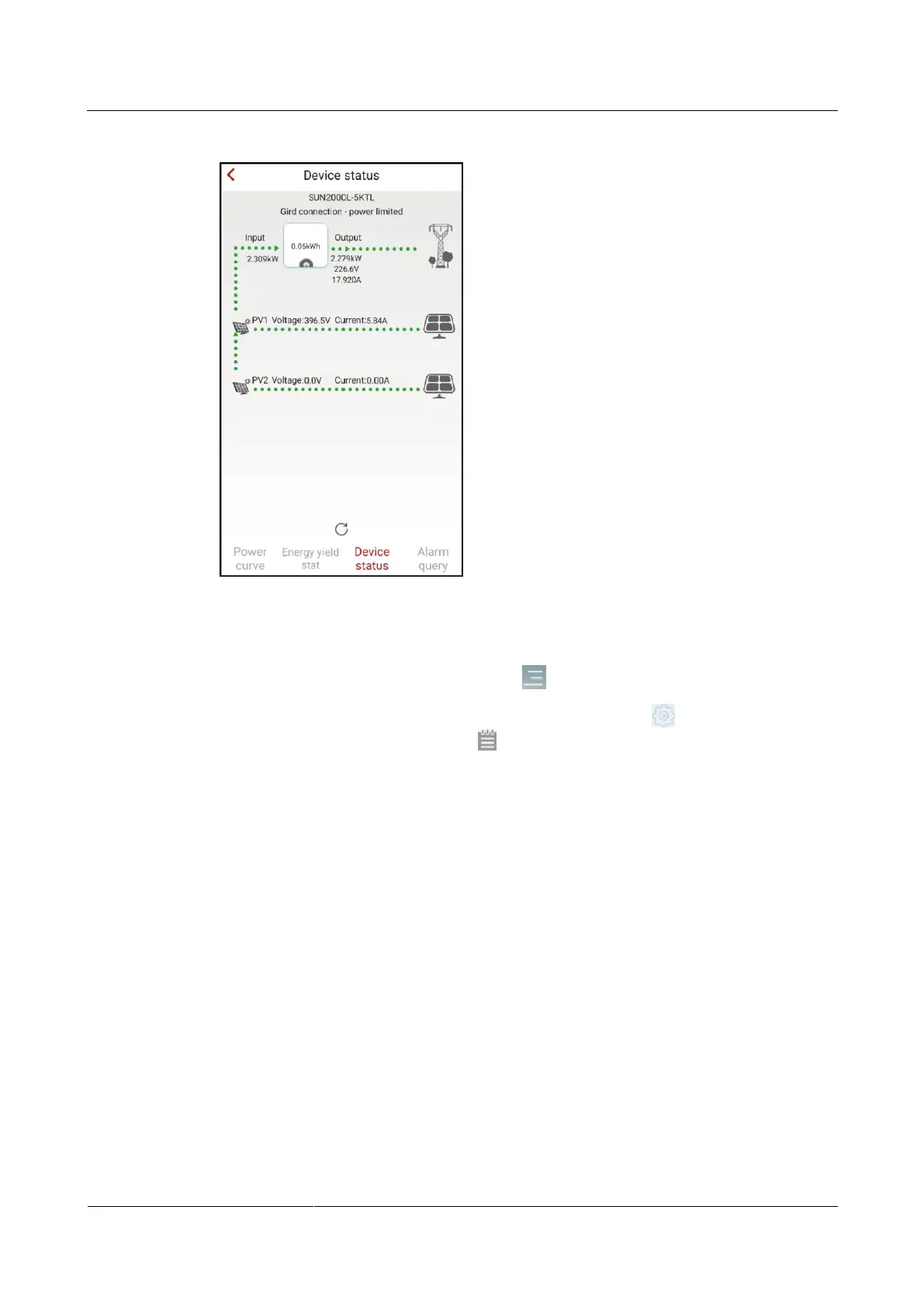
Figure 7-55 Querying the device status
7.5.3 Querying Alarms
To query active and historical alarms, choose > Alarm query from the main screen.
To set the sorting mode for active alarms or historical alarms, tap . To query the historical
alarms within a certain time range, tap and select the time range.











 To Next Page