SUN2000L-(2KTL-5KTL)
User Manual
7 Operations on the Local FusionHome App
Huawei Proprietary and Confidential
Copyright © Huawei Technologies Co., Ltd.
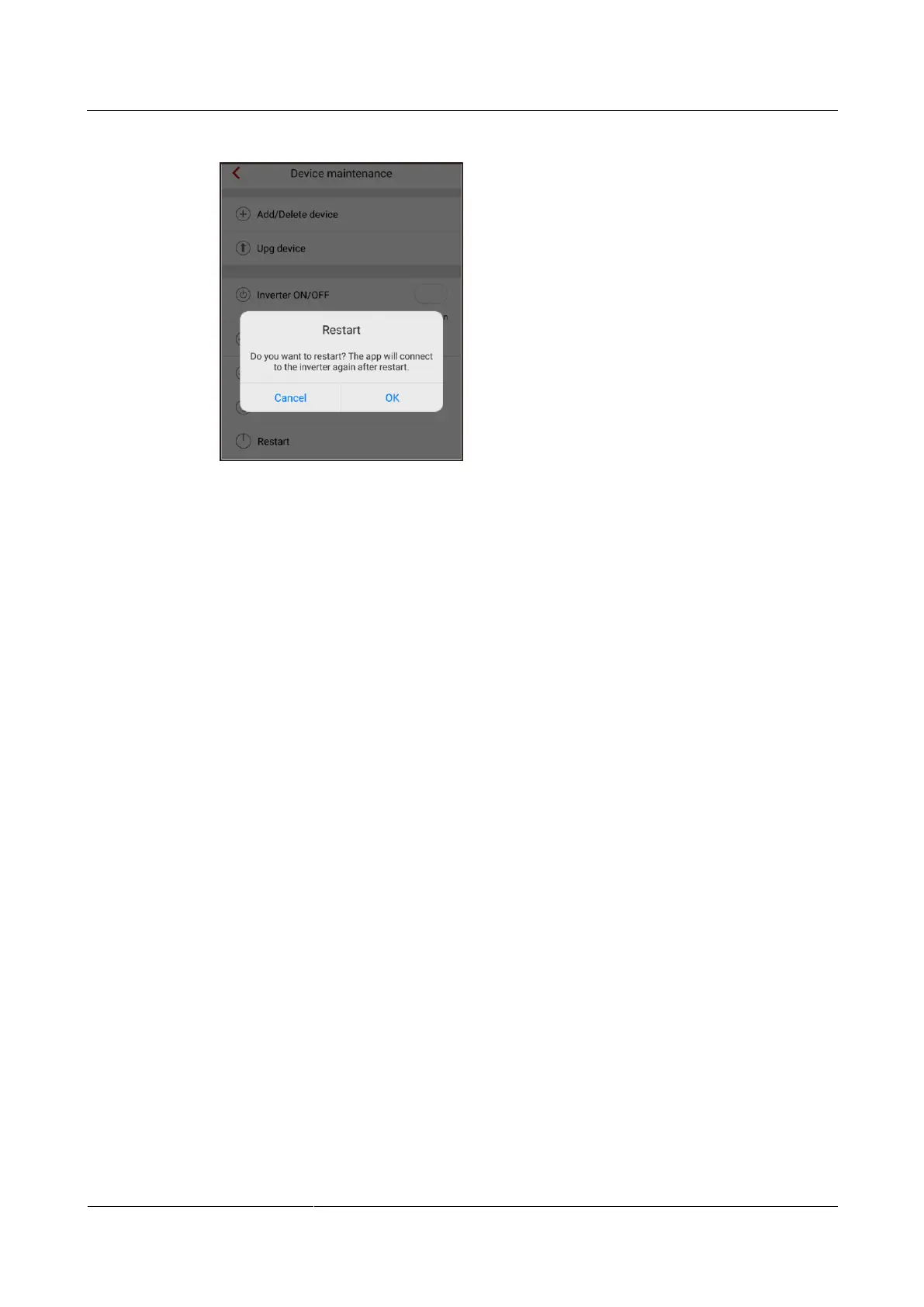
Figure 7-34 Restart
----End
7.4.4 Quick Setting
To enter the Quick setting screen, choose Quick setting from the Operation console screen.
The Quick setting screen provides two deployment modes. Select either of them based on site
requirements.
To exit the deployment, press the Back button on the mobile phone or tap Exit on the screen.
Method 1: quick setting
Step 1 Choose Quick setting from the Operation console screen and perform deployment by
following the instructions.











 To Next Page