PSP8620311
Rev. E
23
Windows 7 Local Radio Drivers Installation Guide
1. Download the radio drivers from the Hubbell Power Systems website. Be sure to
extract the files.
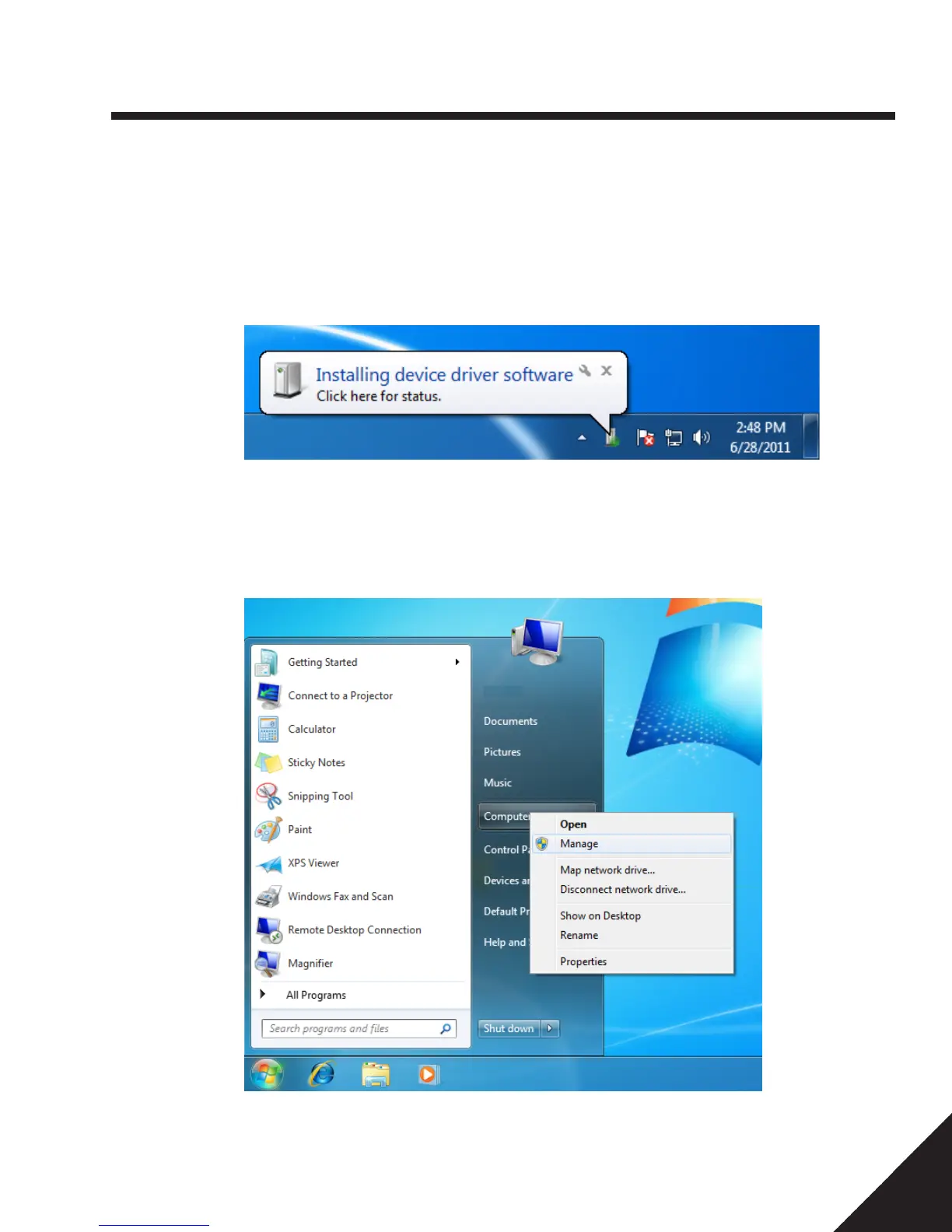
2. Connect the local radio to the computer with the provided USB cable. Windows will
attempt to automatically install drivers using the found hardware wizard.
If this driver installation process does not continue automatically:
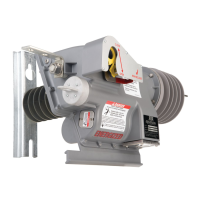
3. Open the Device Manager by going to Start Menu>Right click on “Computer”>Select
“Manage”
4. Click on the device manager and locate “HPS Local Radio”
5. Right click on “HPS Local Radio” then select “Update Driver Software”
6 — Control Programming


 To Next Page