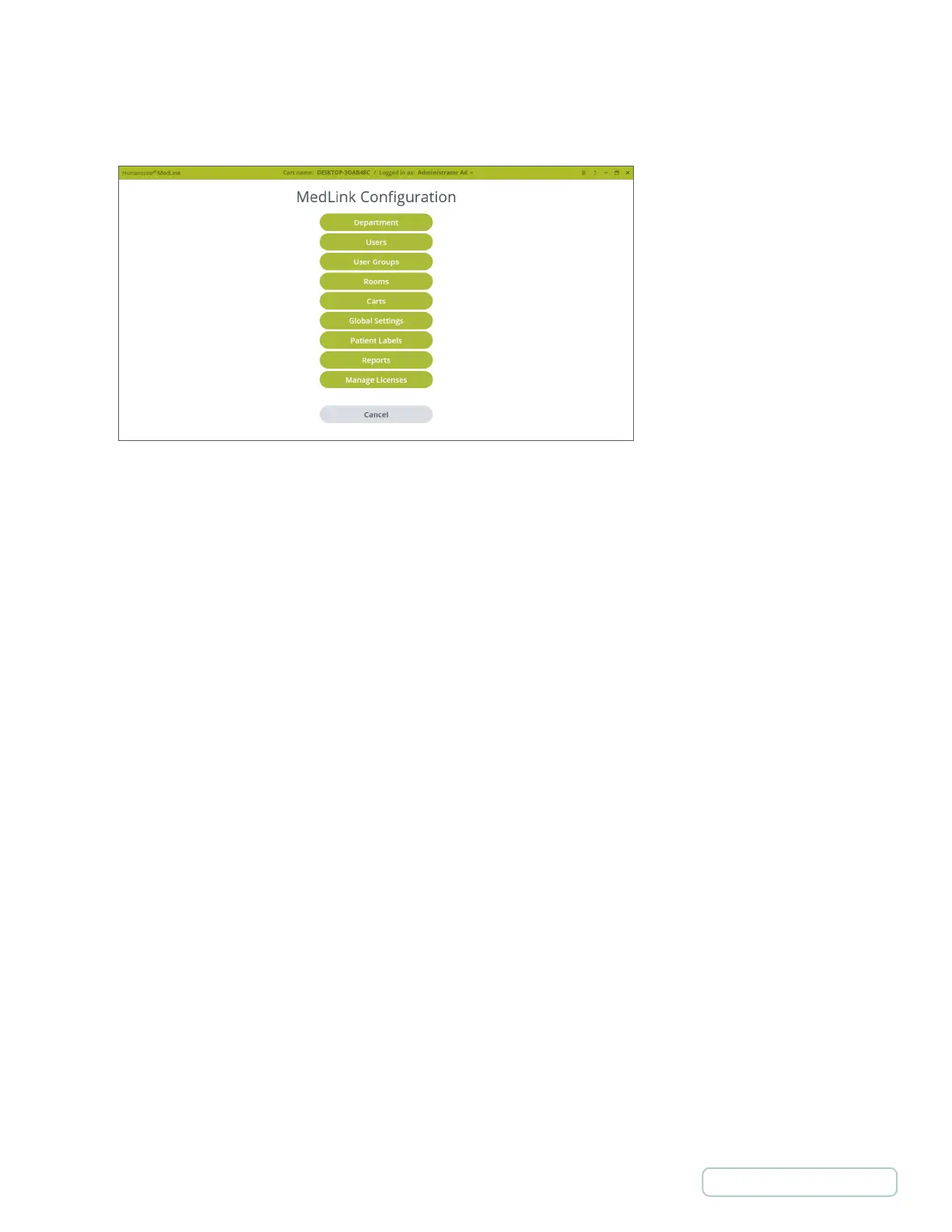
This displays the MedLink™ Configuration menu. Below is a brief description of the purpose of each section. Further chapters
detail specific options.
Departments
• Associates Patients and Carts into the same organizational units.
• A user can be in multiple Departments.
• A Cart can be in only one Department.
Users
• Defines a user and login information.
User Groups
• Permissions that apply to a user in the assigned group
• A user can be assigned to only one User Group
Rooms
• Rooms are created from the HL7 feed.
• Rooms are associated with Departments.
Carts
• Associates Cabinets with Departments and a PC.
Global Settings
• Settings that apply to all Users and all Cart.
Patient Labels
• Configures displayed information on Drawer fronts and current Drawer selection header.
Reports
• Used to create reports.
• Reports can be exported in CSV format.
Figure 5 – Settings Screen
15
Return to Table of Contents



 To Next Page