4.2 MEDLINK™ PRO CONFIGURATION MENU
The MedLink™ Pro Configuration menu has all the settings that control the function of the MedLink™ Pro software. Before
deploying the system in your facility, you should work through all the options and configure the system in the way that best meets
the requirements of your workflows and organizational needs.
NOTE: You must have administrator privileges to perform this task.
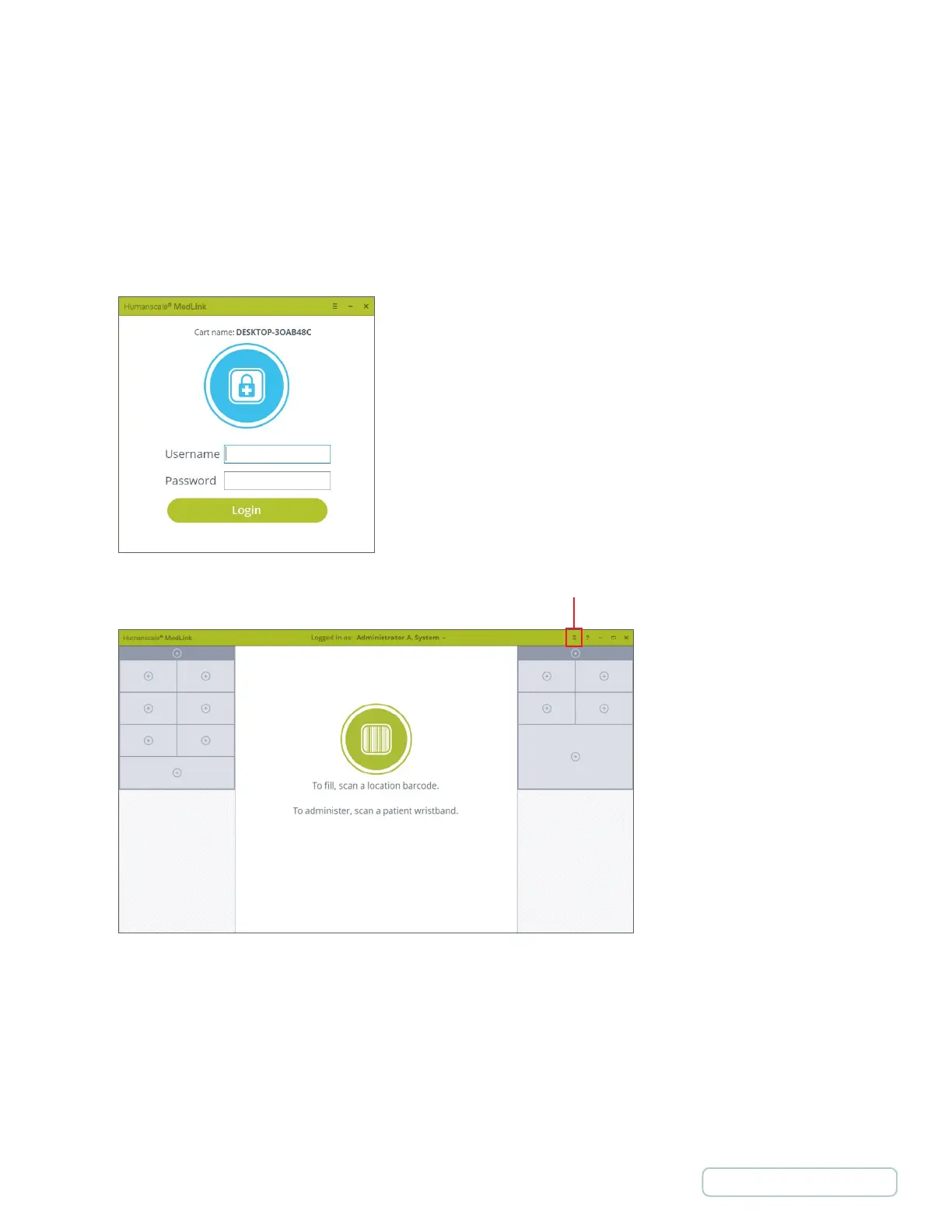
1. Log in typing in the required credentials. After the initial setup the Login screen will display the name of the cart for easy
identification.
2. Click on the menu icon in the title bar.
Figure 3 – Login
Screen
Figure 4 – Home Screen
14
Return to Table of Contents



 To Next Page