4.4 USERS
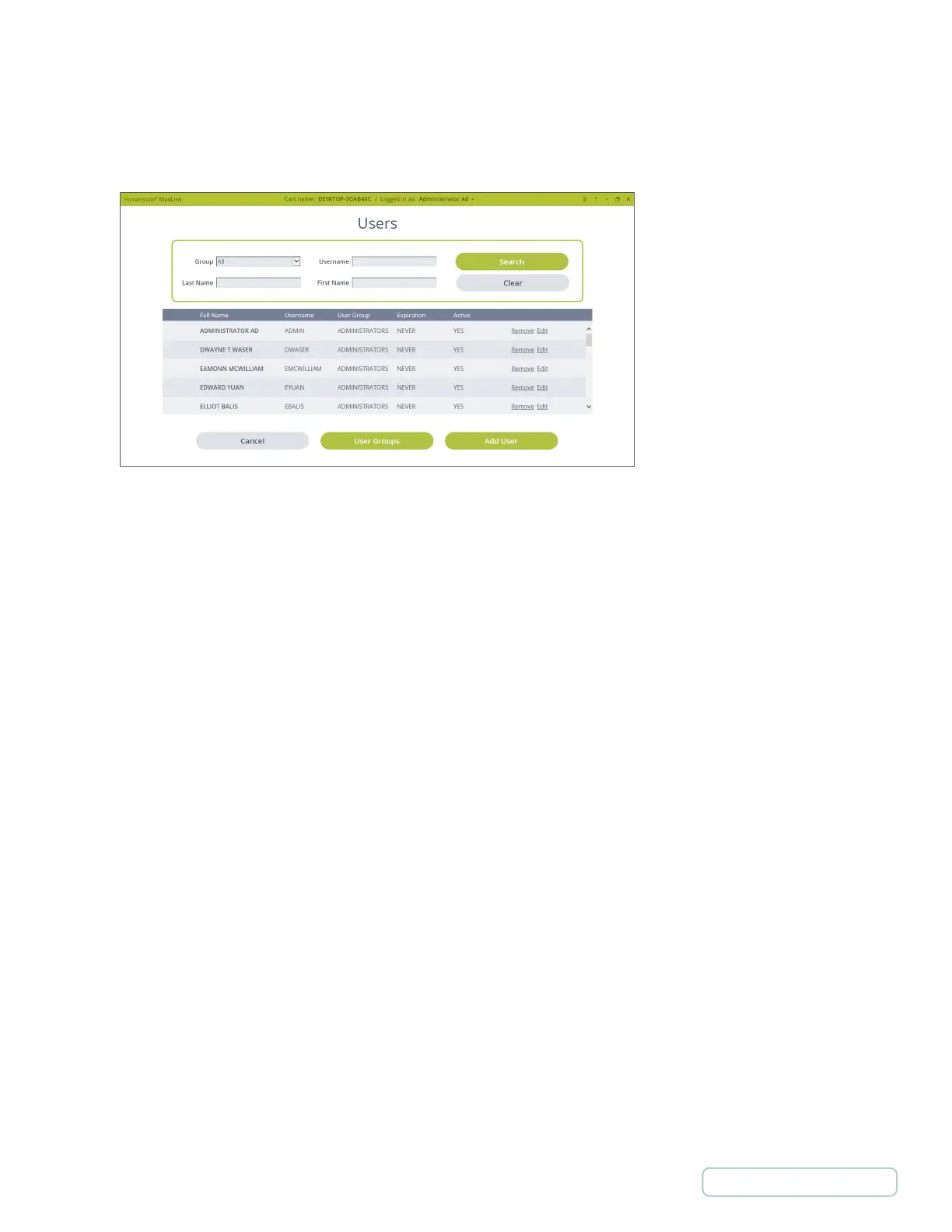
4.4.1 USERS LIST
Displays the list of users
Can filter or search list using the given fields.
• Select “Remove” to remove a user.
• Select “Edit” to edit a user.
• “User Groups” button is a shortcut to User Groups.
• Select “Add User” to add a new user.
Figure 8 – Settings / Users
18
Return to Table of Contents



 To Next Page