4.5 USER GROUPS
4.5.1 USER GROUPS LIST
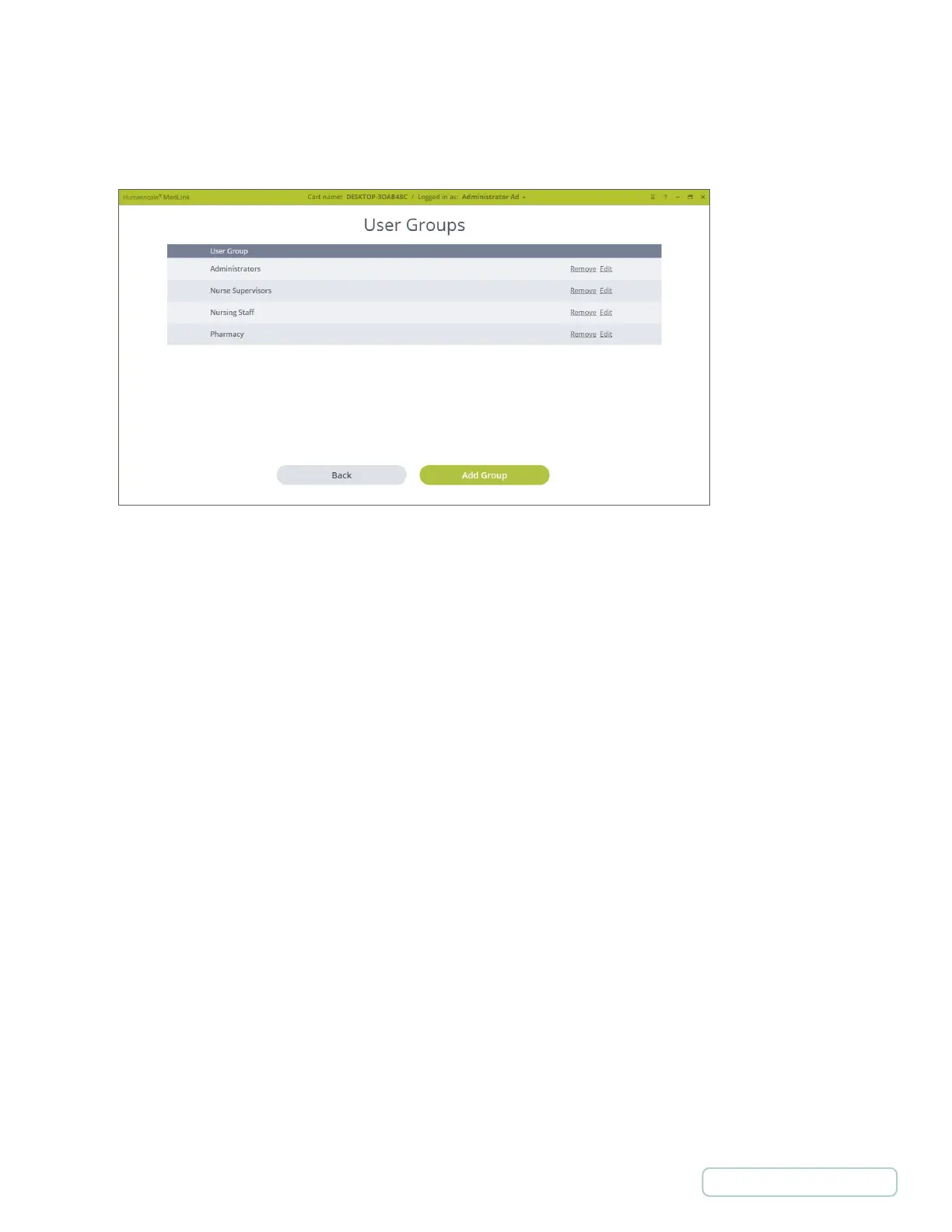
Displays list of User Groups
• Select “Remove” to remove the User Group.
NOTE: Users should be removed from the Group before removing the group itself as
they will not be able to login if they are in only this group.
• Select “Edit” to edit the User Group rights.
• Select “Add Group” to create a new User Group.
Figure 10 – Settings / User Groups Screen
20
Return to Table of Contents



 To Next Page