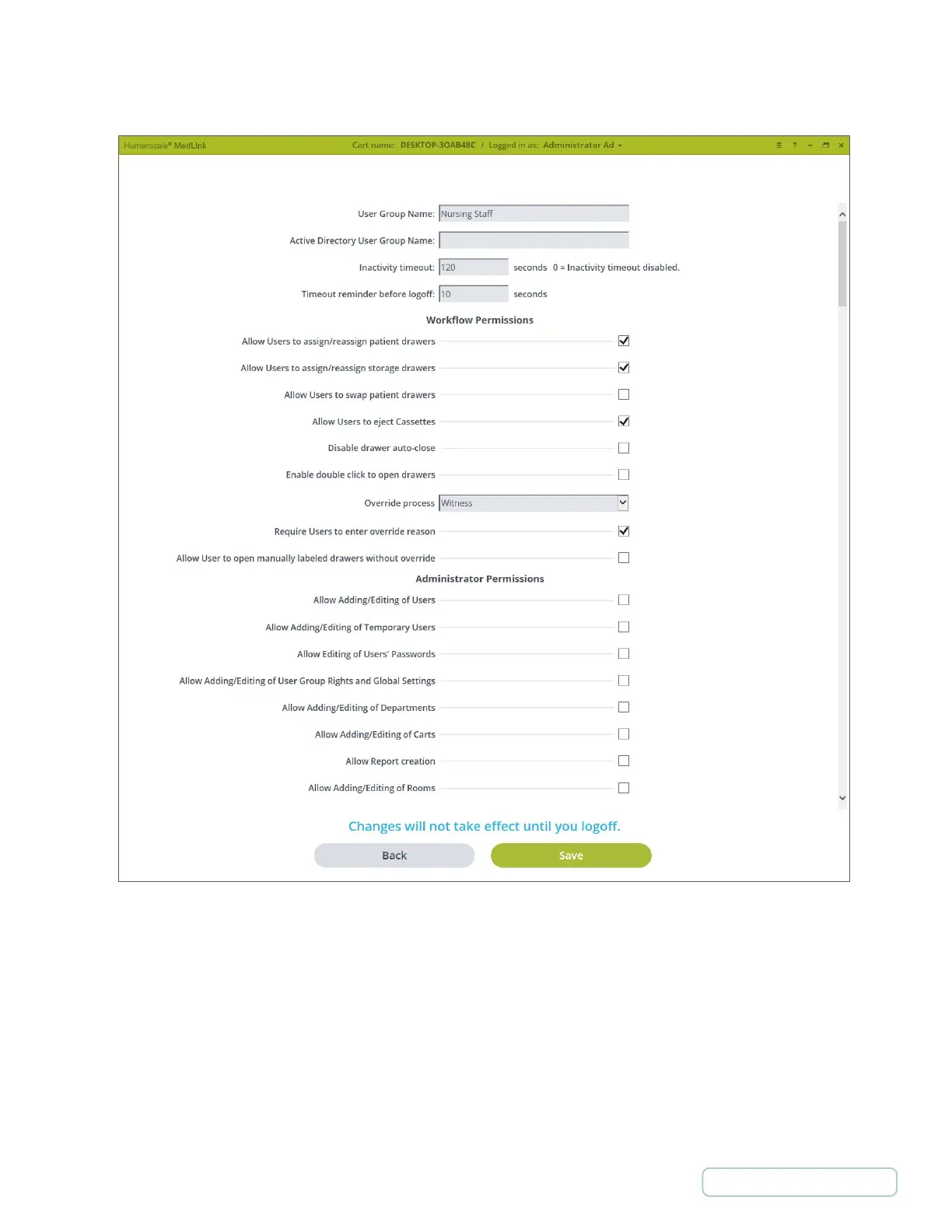
• Group Name Active Directory User Group Name - Connects a MedLink™ Group to an Active Directory
Group. A user can be part of only one MedLink™ Group.
• Inactivity timeout - The amount of time before the program will auto-logout you when there is no activity
within the program or Drawer interaction. Setting the value to “0” (zero) will disable the auto-logout.
• Timeout reminder before logoff - Amount of time the program will show a “Logoff” warning message
before auto-logoff.
Note: This time is within the Inactivity timeout; therefore, it must be less than the inactivity timeout time.
4.5.2 ADD/EDIT USERS GROUPS
Figure 11 – Settings / User Groups / Edit User Groups Screen
21
Return to Table of Contents



 To Next Page