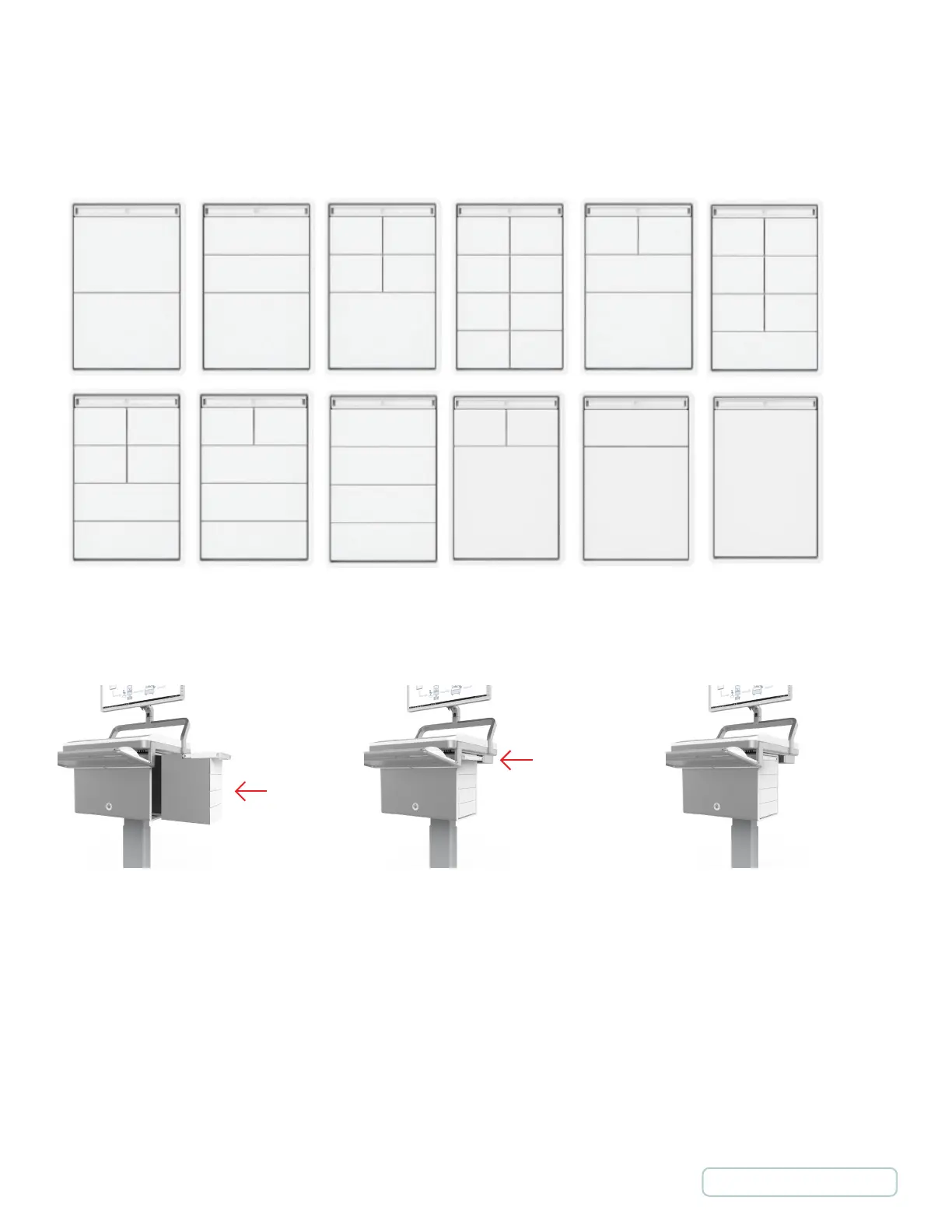
2.5 DRAWER CONFIGURATIONS
Tool-less removal of shelves, allowing rapid drawer reconfiguration based upon changing workflow requirements. With the five
drawer sizes there are more than 12 different drawer kit configurations available.
2.6 INSERTING AND REMOVING CASSETTES
To insert a Cassette once it is configured:
1. Slide the Cassette into an available location on the housing and push it fully into place.
2. Push the Cassette handle into the housing until it locks into place.
3. The Cassette is now installed and should be controllable via the MedLink software.
To remove a Cassette, during normal operation it may be electronically ejected through the MedLink software.
1. When the Cassette is ejected, the Cassette handle will pop out.
2. Pulling the handle outwards will allow the Cassettes to be removed from the housing.
Image 5 - Drawer Configurations
Image 6 - Operating Cassettes
9
Return to Table of Contents



 To Next Page