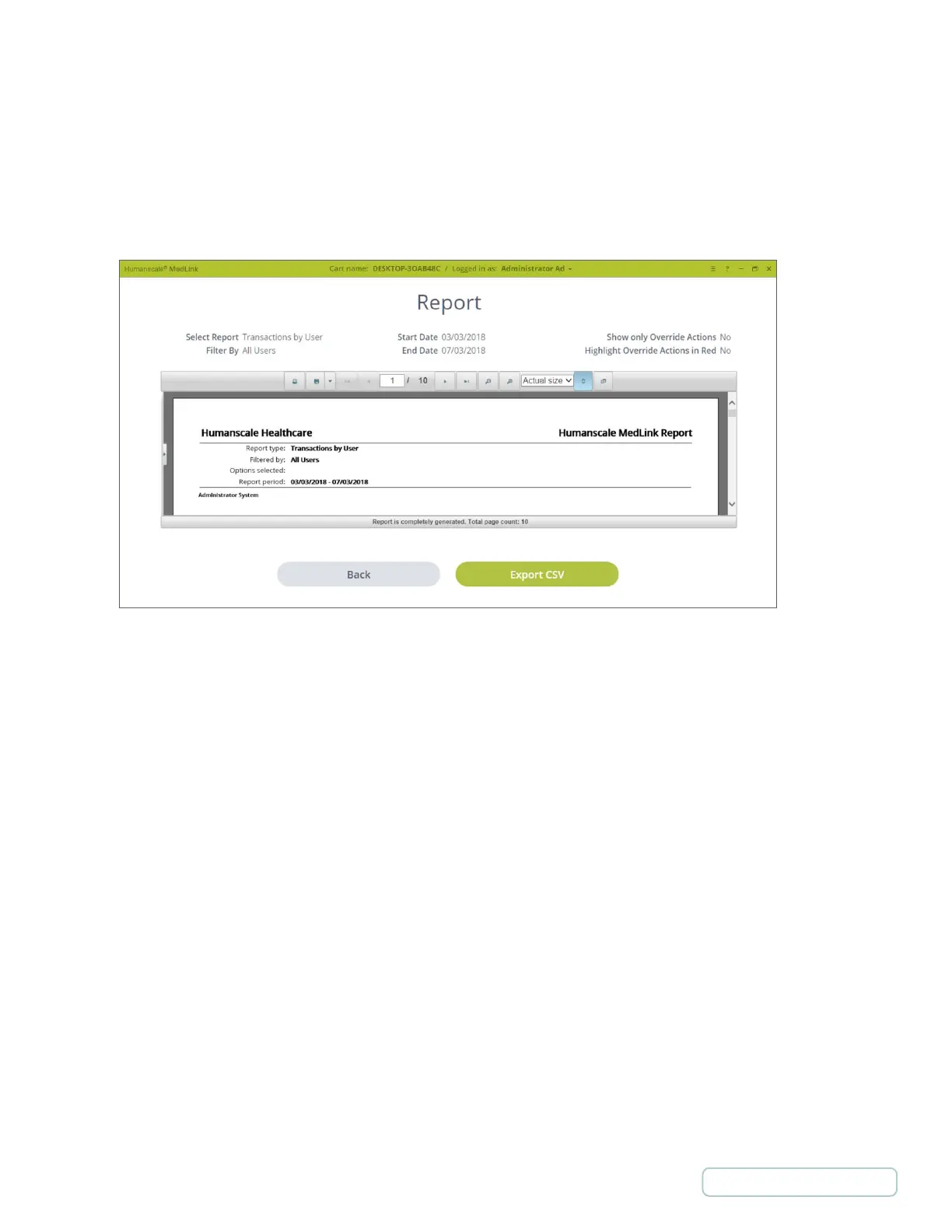
4.10.2 VIEWING AND SAVING A REPORT
• The top of the page shows the selections made to generate the report
• The top header of the report viewer has options to print, export, and various viewing options.
• The “Export CSV” button generates a text file with the data formatted for use within Excel. This gives you more flexibility
in organizing the data to meet your needs.
Figure 20 – Viewing Reports
30
Return to Table of Contents



 To Next Page