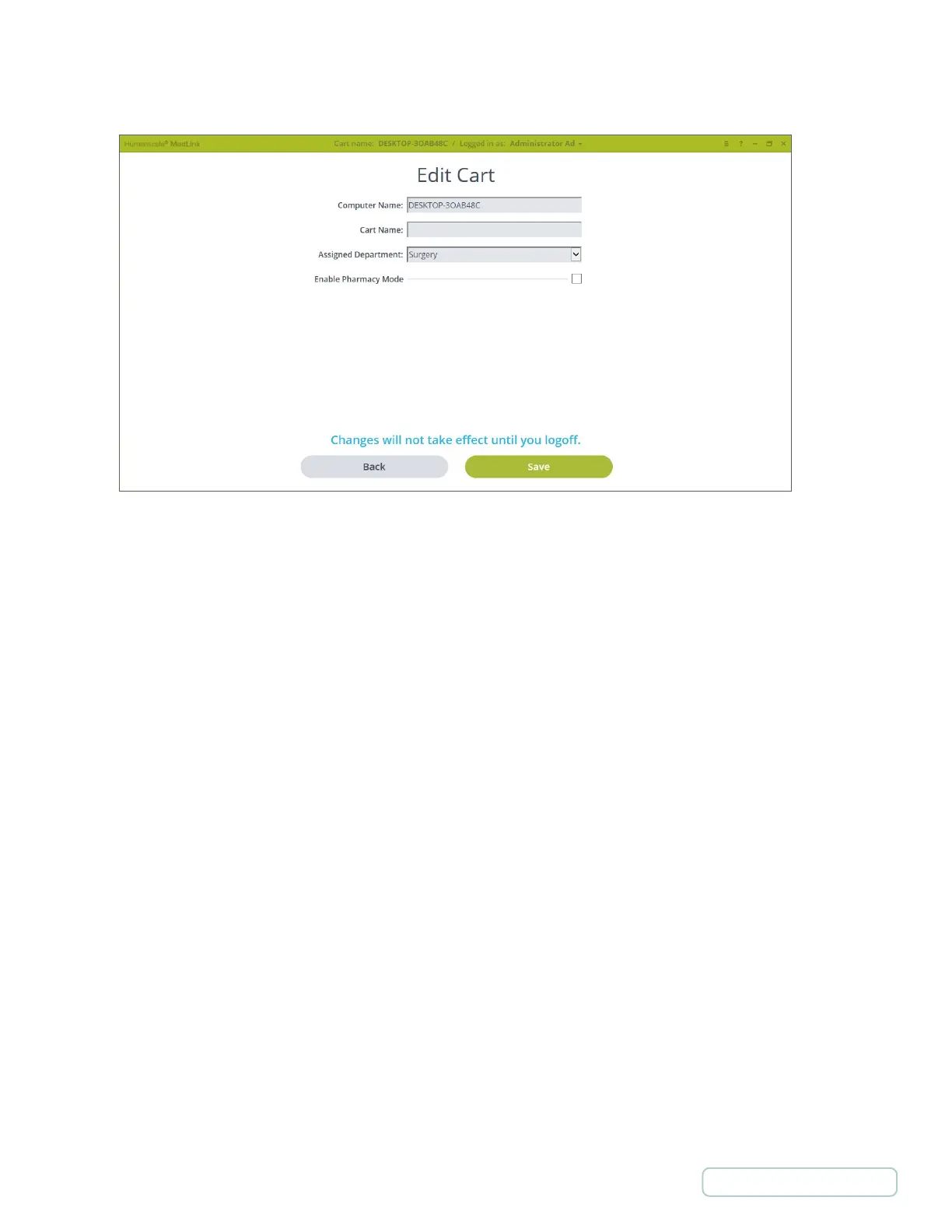
4.7.1 ADD/EDIT CARTS
• Computer Name - Name of the computer in the cart. The system automatically displays the name of the computer that
was given in the OS on each computer.
• Cart Name - By default this field displays the computer name. However, it is possible to choose another name that is
going to be displayed in the software to identify the cart.
• Assigned Department - The department where the cart is assigned.
• Enable Pharmacy Mode - Pharmacy has special rights for assigning, filling and emptying Patient Drawers.
Figure 14 – Settings / Carts / Edit Carts Screen
24
Return to Table of Contents



 To Next Page