4.10 REPORTS
4.10.1 GENERATING A REPORT
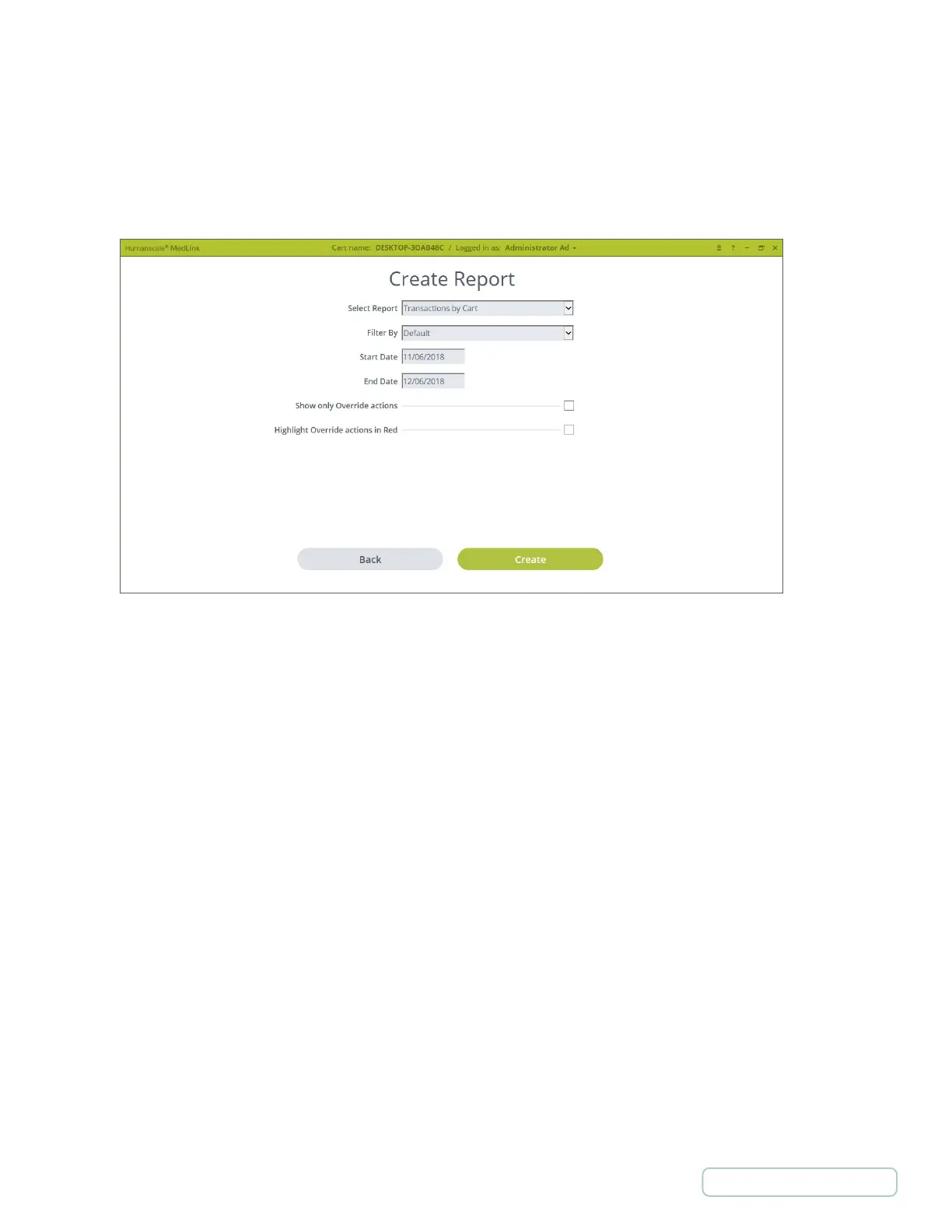
The Create Report screen allows you to generate a custom report by defining the parameters as described below. Once the
required options are selected, click the Create button to generate the report.
• Filter By - Filters the report by the selection or entry.
• Date Range - The date range is limited on some reports due to the possible size of the report. If you want a single day,
set the start and end dates the same.
• Show only Override actions - If this option shows, it will limit that report to only show Override actions if selected.
• Highlight Override actions in Red - If this option shows, it highlights all Override actions in red on the report.
Figure 19 -Generating Report
29
Return to Table of Contents



 To Next Page