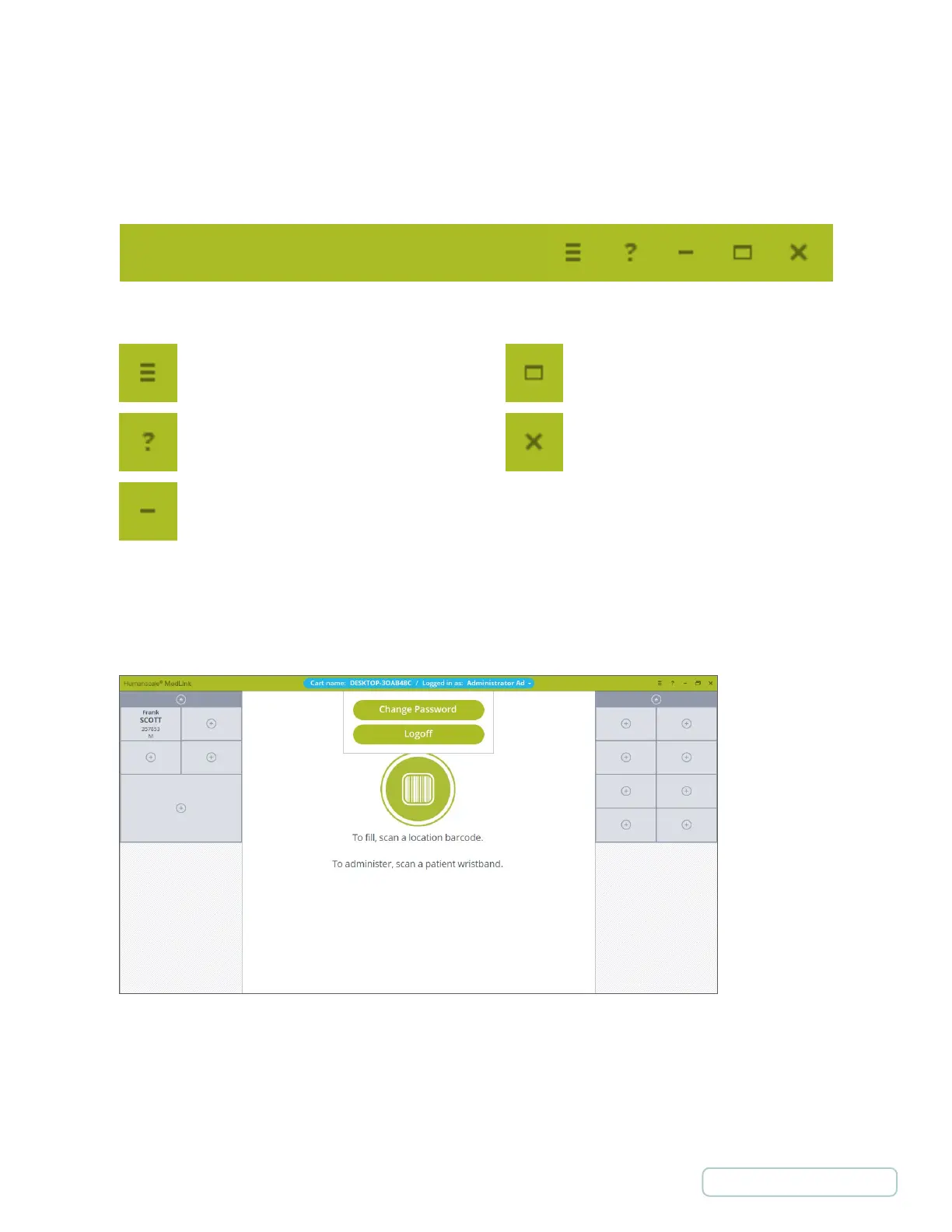
• Leads to the Configuration menu. This
button is only displayed if your user account
has administrator privileges
• Opens the Help page.
• Minimizes to task bar.
• Toggles between full screen and
windowed mode.
• Closes this page and shows login
page.
5.2.1 TITLE BAR BUTTONS
The title bar of the application has the typical controls that are found on many Windows applications, as well as buttons to access
the MedLink
TM
Configuration Menu and Help page.
5.2.2 USER NAME BUTTON
The center of the title bar displays the name of the cart and name of the currently logged in user. This is also a button that allows
you to log off and change your password.
Figure 26 – User Name Button
Figure 25 – Header Icons
33
Return to Table of Contents



 To Next Page