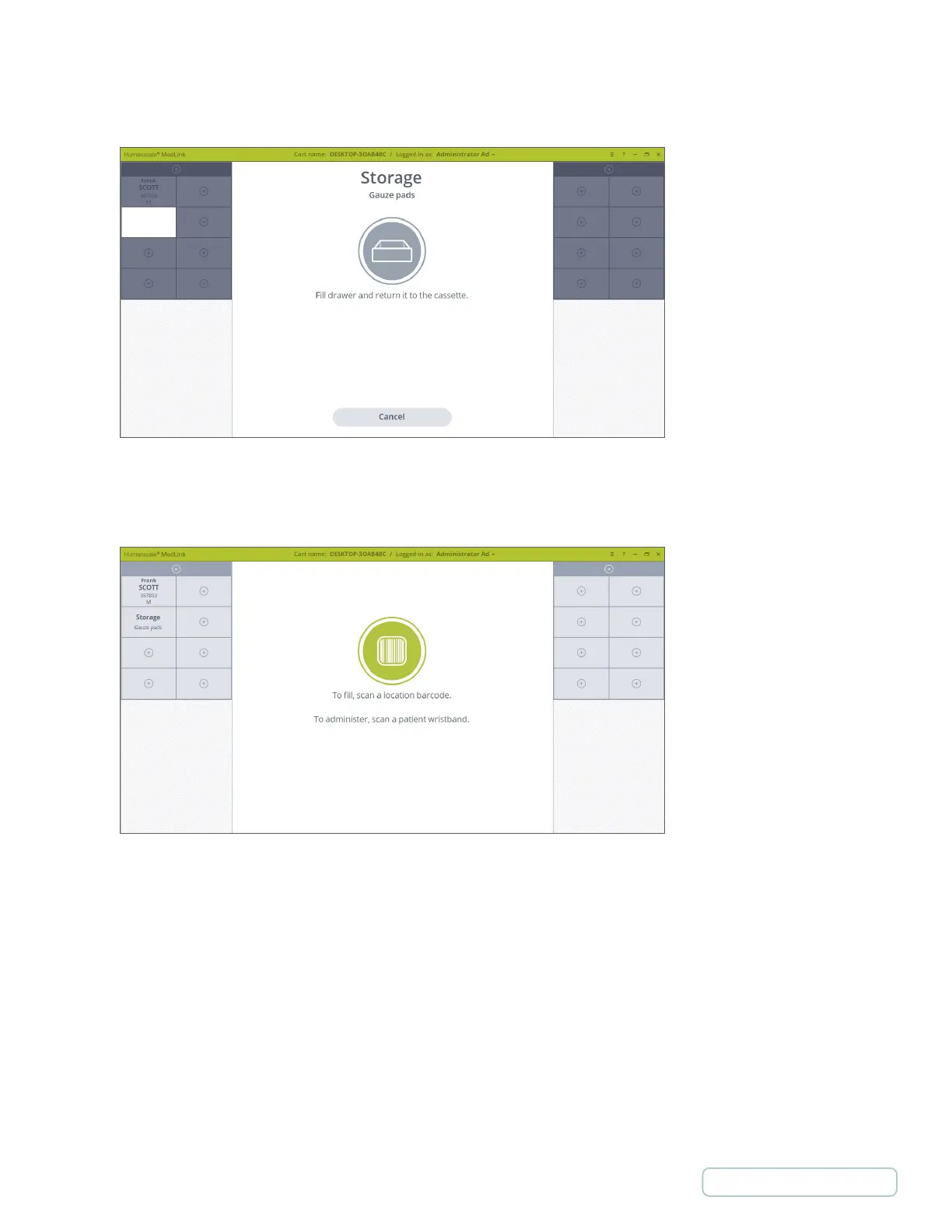
5. The drawer will show and the count down time will be displayed. If you pull the drawer out, you will be prompted to fill
the Drawer and return it to the Cassette.
6. On returning the Drawer to the Cassette, the screen reverts to the Home screen and the chosen Drawer now displays
as a storage Drawer with the label you entered.
Figure 45 – Filling Storage Drawer
Figure 46 – Home screen with Storage Drawer
43
Return to Table of Contents



 To Next Page