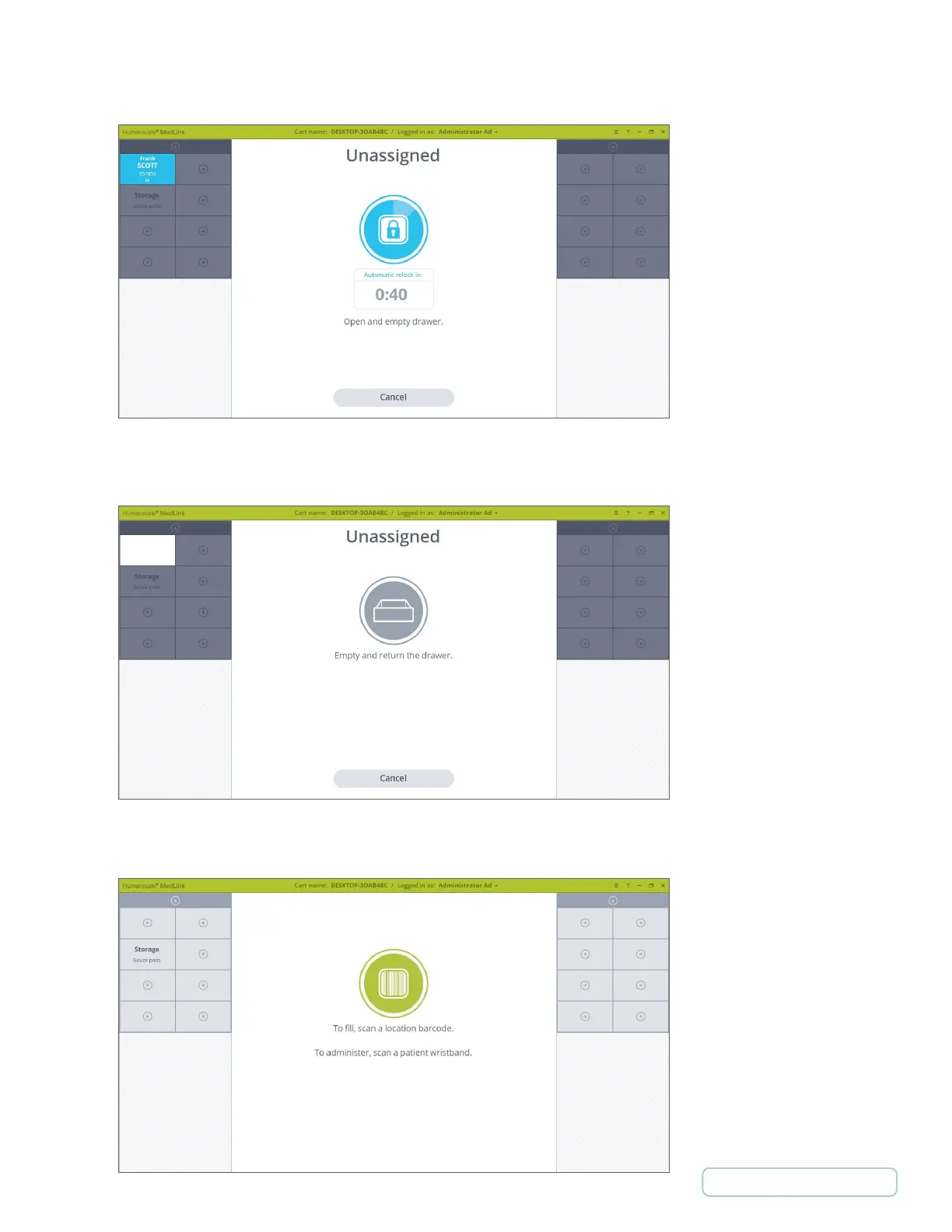
4. The Drawer unlocks and the auto close timer will appear. Pull the Drawer to open it and remove it from the Cassette.
5. Empty the Drawer of its contents and return it to the Cassette as prompted.
6. The display returns to the Home screen and your chosen Drawer will now be displayed as unassigned.
Figure 49 – Drawer is Open
Figure 48 - Drawer is Unlocked
Figure 50 – Drawer is Unassigned
45
Return to Table of Contents



 To Next Page