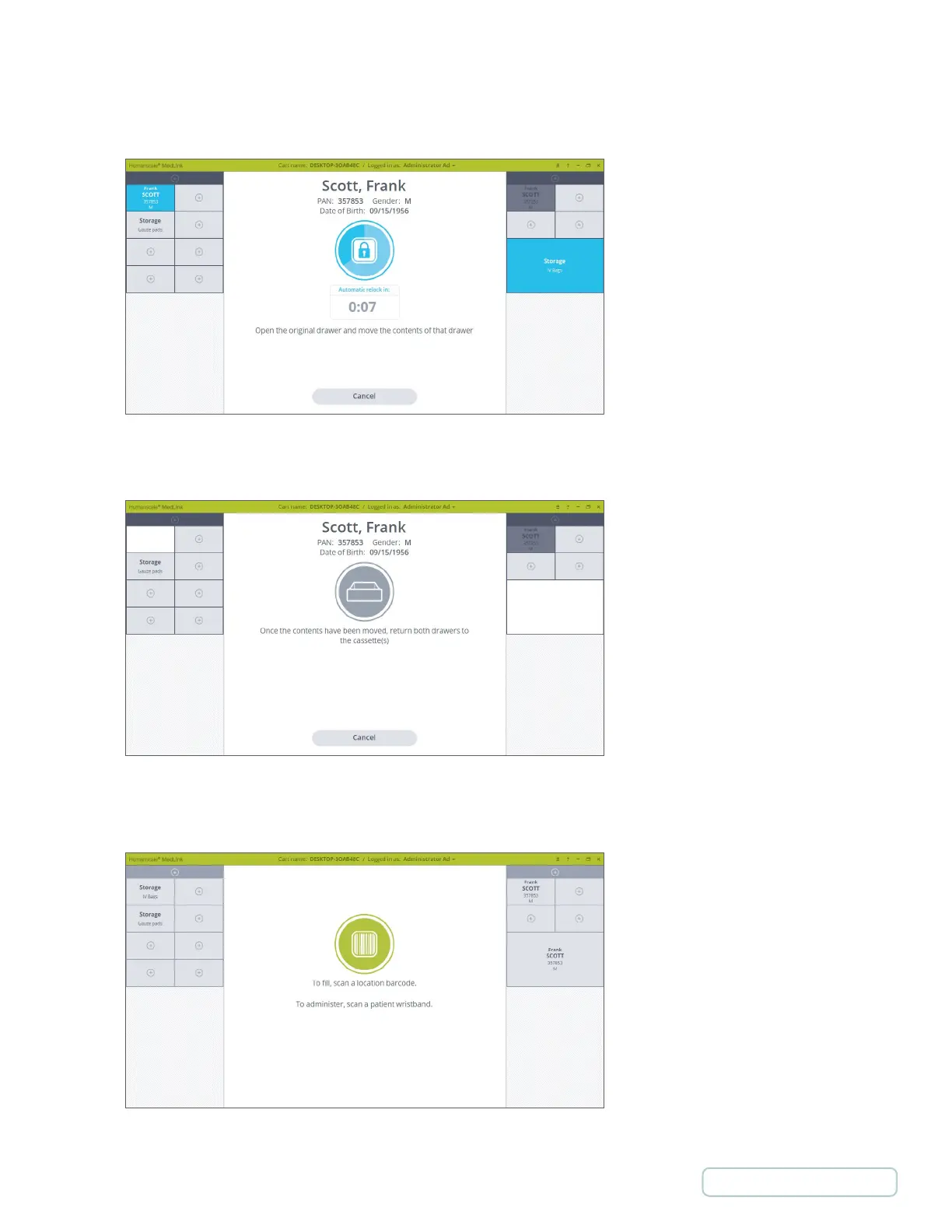
3. You are prompted to select the drawer where you would like to move the content of the first selected drawer to. Click
on a different size drawer. Both Drawers will unlocks.
4. Open both Drawers. The display changes to prompt you to open the content of the Drawers and close them.
5. After closing both Drawers the display returns to the Home screen displaying the Drawers at their new position.
Figure 74 – Both Drawers are Unlocked
Figure 75 – Both Drawers are Open
Figure 76 – Home Screen with Drawer Content Moved
60
Return to Table of Contents



 To Next Page