3. The drawer will open to fill the medication. Once it is closed the Home Screen will be displayed.
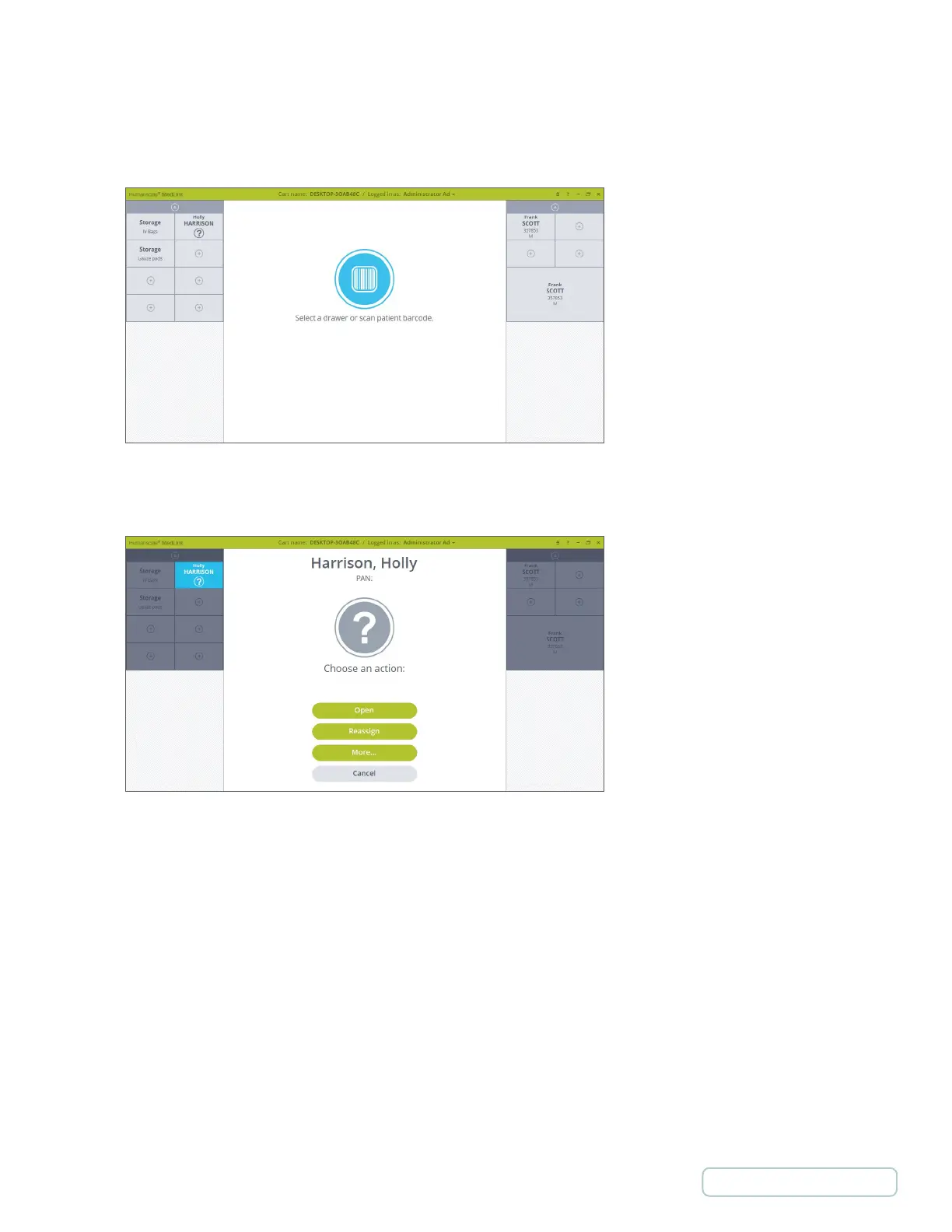
The Temporary Patent drawer is marked with a question mark icon on the drawer label. The Temporary Patient can be
used as regular Patient or Storage drawer.
4. If Temporary Patient drawer is selected the prompt window will display a Temporary Patient (question mark) icon.
Figure 78 – Home Screen with Temporary Patient
Figure 79 –Temporary Patient Drawer is Selected
62
Return to Table of Contents



 To Next Page