OPERATION INSTRUMENTS
- 12 -
ENGLISH
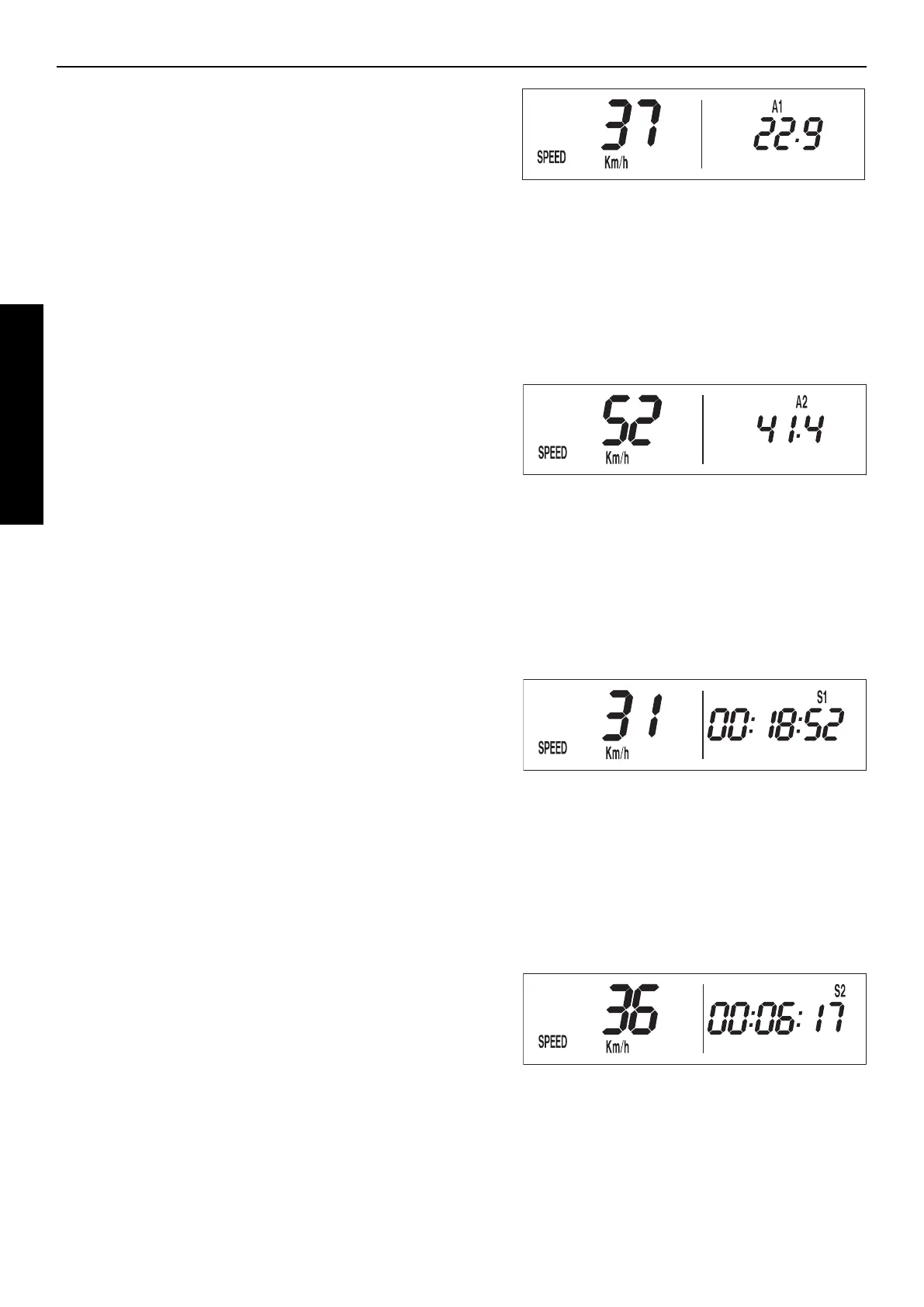
SPEED / A1 DISPLAY MODE (AVERAGE SPEED 1)
A1 shows the average speed based on the TR1 (tripmaster 1) and S1
(stop watch 1) figures. The calculation of this figure is activated by the
first impulse received from the wheel sensor and stops 3 seconds after
the last impulse is received.
+ button no function
– button no function
briefly press | button changes to the next display mode
hold | button 3 secs. clears the TR1, S1, A1 figures
SPEED / A2 DISPLAY MODE (AVERAGE SPEED 2)
A2 shows the average speed based on the TR2 (tripmaster 2) and S2
(stop watch 2) figures.
The displayed figure can deviate from the actual average speed if the TR2
figure was changed manually or if S2 was not stopped after the trip.
+ button no function
– button no function
briefly press | button changes to the next display mode
hold | button 3 secs. changes to the next display mode
SPEED / S1 DISPLAY MODE (STOP WATCH 1)
S1 shows the traveling time based on TR1 and continues to run whene-
ver it receives impulses from the wheel sensor. The calculation of this figure
is activated by the first impulse received from the wheel sensor and stops
3 seconds after the last impulse is received.
+ button no function
– button no function
briefly press | button changes to the next display mode
hold | button 3 secs. clears the TR1, S1, A1 figures
SPEED / S2 DISPLAY MODE (STOP WATCH 2)
S2 is a manual stop watch. Start the stop watch by pressing the + but-
ton, press again to hold. Press again to continue timing.
Press the | button to change to the next mode. The S2 display will blink
in the other modes if S2 continues to run in the background. To stop S2,
return to the SPEED/S2 mode and press the + button.
+ button starts and stops the stop watch
– button no function
briefly press | button changes to the next display mode
hold | button 3 secs. clears the S2 figure




 To Next Page