Digital Refractor CDR-9000 91
he touch screen or press the [R], [OU] or [L] button to select this.
-
Cross Cylinder: assigns 0.25, 0.50, DUAL Cross Cylinder. Press the combo-b
ox button of the touch screen to select this or press [1]/[2] buttons to sel
ect this.
-
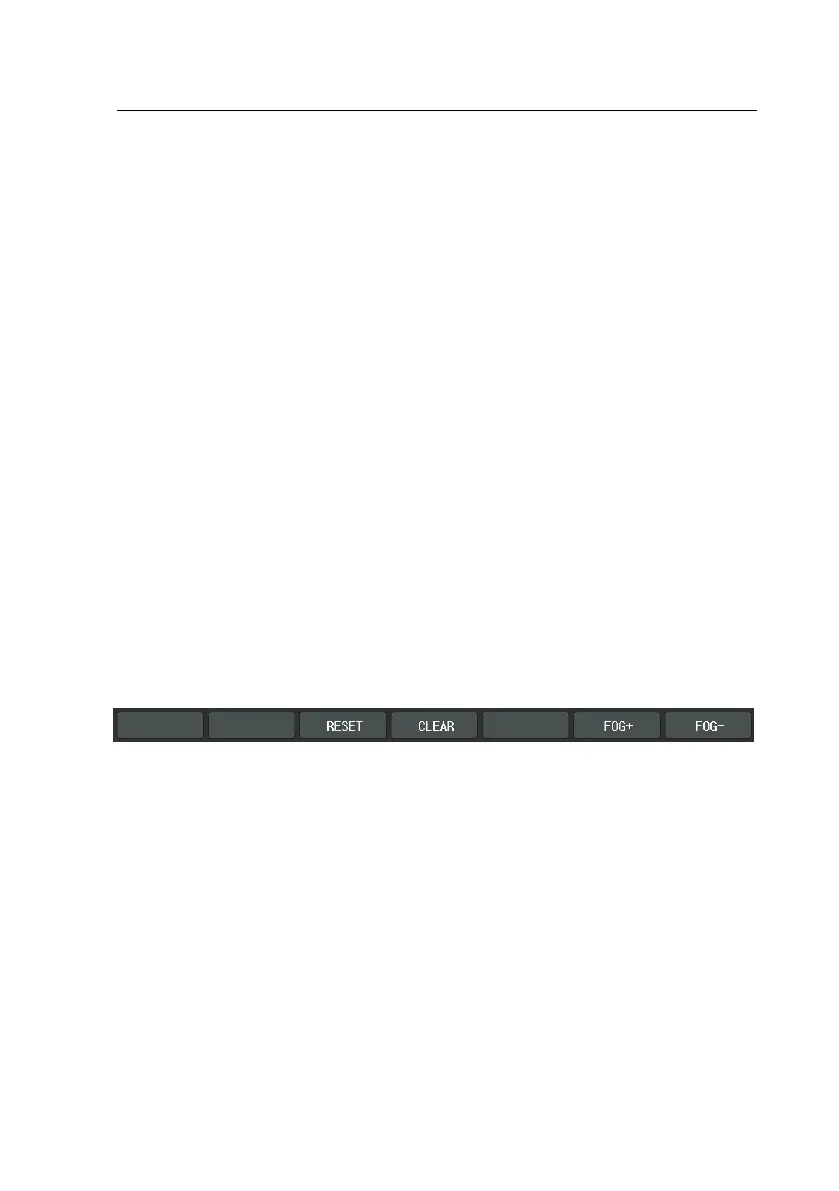
Fogging: assigns the amount of Fogging by press the combo-box button
of the touch screen between 0 and 2. Use [SHIFT] + [F6] (FOG+) to plus f
ogging, and [SHIFT] + [F7] (fog-) to minus fogging.
-
Auxiliary Lens: assigns the right and left auxiliary lenses by press the lens
buttons of the touch screen and select the lens. Also Use [Open/Close] bu
ttons.
-
Guide Message: specifies guide message. Press the msg button of the tou
ch screen and use the dial to select.
If you want to undo the current unit test, press [SHIFT] button and press [RESET]
button of the touch screen.
Also if you want to clear the current unit test, press [SHIFT] button and press [C
LEAR] button of the touch screen.
Now we will take the same way with the user-defined program to write down a
unit test program in which the general VA chart puts on a Red/Green mask to
takes the place of the Red/Green Test.



 To Next Page