7--2
85
Use and maintenance manual S20DSP
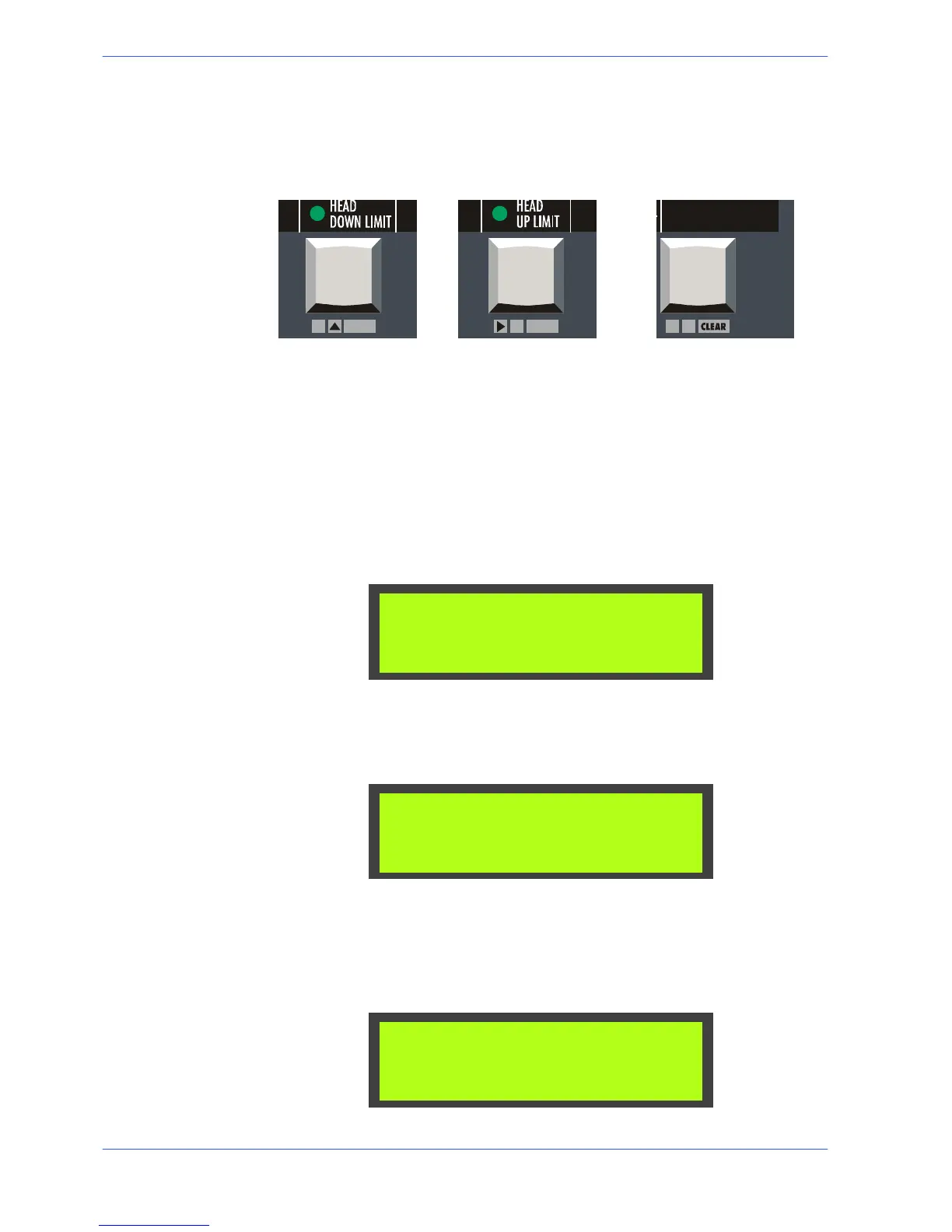
" Once inside the SET---UP menu, use the following three keys to navigate
through the different menu screens:
FCTA Head Downstro-
ke Limit
FCTI Head Upstroke
Limit
“Clear” key
" The FCTA key (Y) allows you to change parameter settings in increments of
one unit.
" The FCTI key (") instead has two functions: it is used to save parameter set-
tings and navigate inside the SET---UP menu.
" START selection key allows you to zero the current parameter setting.
" The key ”Y---” enables the cursor to return to the previous positions.
" To quit the SETUP parameters, press in sequence and simultaneously the
MACHINE PARAMETERS and MACHINE START keys.
Set language parameter
" Press Y to change the display messages presentation language.
ENGLISH
LANGUAGE:
Set parameter for machine type
" Press " to display the parameter for the machine type. Press the Y key to
change machine type; each press of the key corresponds to a different ma-
chine configuration.
S20DSP
MACHINE MOD.:
Semiautomatic--Dynamic and Manual operation setting (optional)
" Inthisvideopageitispossibletoconfigurethepossiblepresenceofoptional
operating cycles, such as the Manual and Semiautomatic---Dynamic cycle.
Pressing the key " go to the item of this parameter, then with the Y key
choose YES or NO.
NO
MAN&SAD CYCLE:



 To Next Page