Switching point Hysteresis Increment*
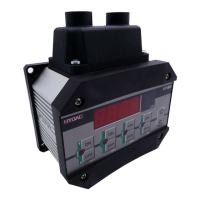
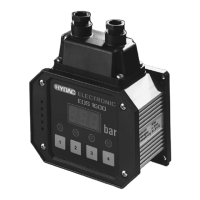
ETS 320
°C -25 .. 100 -22 .. 100 1 .. 123 1
°F -13 .. 212 -10 .. 212 1 .. 223 1
ETS 380
°C -30 .. 150 -27 .. 150 1 .. 178 1
°F -22 .. 302 -16 .. 302 2 .. 320 2
Window function
Senso
Lower switch value Upper switch
value
Increment*
ETS 320
°C -25 .. 100 -23 .. 99 -22 .. 100 1
°F -13 .. 212 -11 .. 211 -10 .. 212 1
ETS 380
°C -30 .. 150 -28 .. 149 -27 .. 150 1
°F -22 .. 302 -18 .. 300 -16 .. 302 2
* All ranges given in the table are adjustable by the increments shown.
8 Basic settings
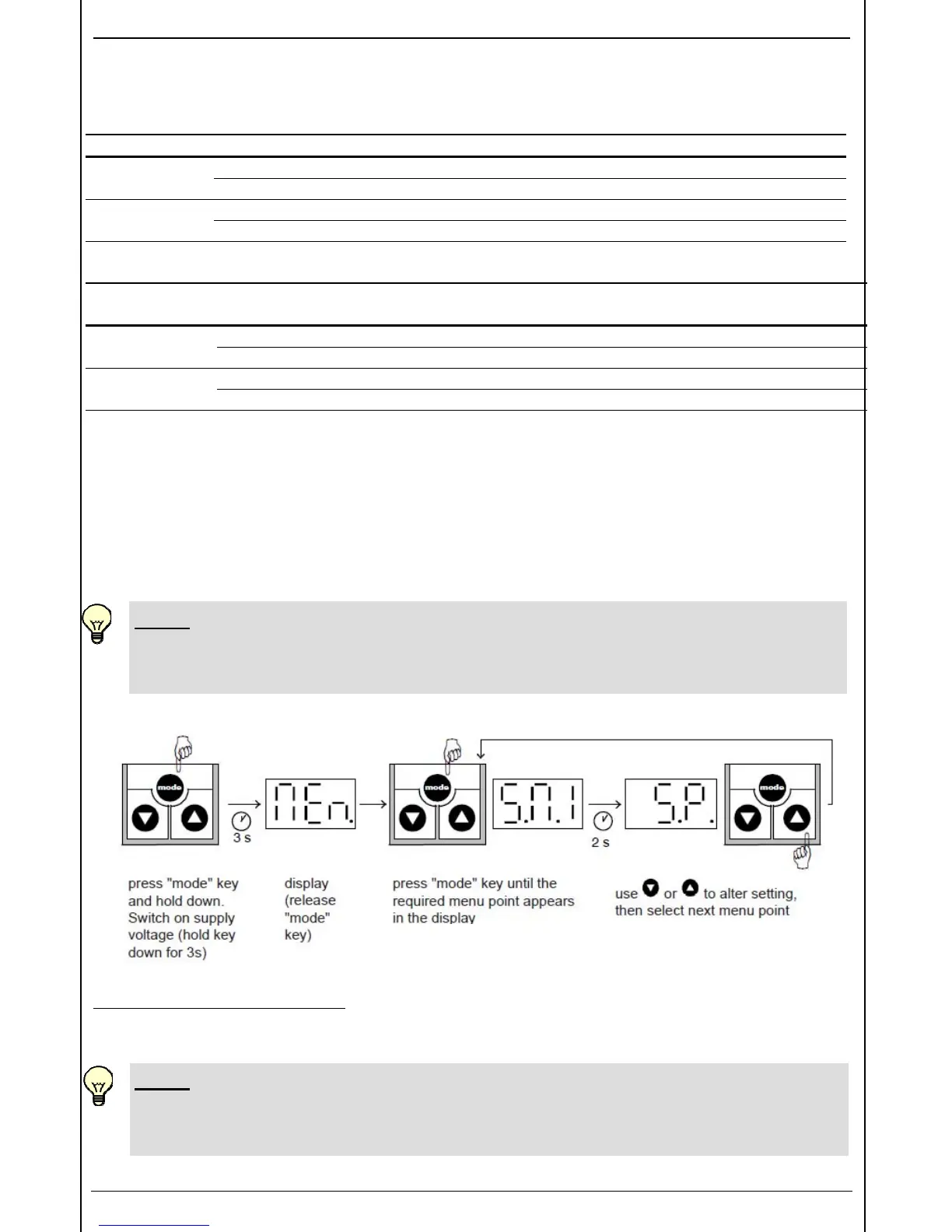
In order to adapt the unit to a particular application, the function of the ETS 300 can be altered via
several basic settings. These are combined in one menu.
8.1 ALTERING THE BASIC SETTINGS
NOTE:
• When the menu is activated no switching operations are carried out.
• Switch off supply voltage or disconnect the unit from the supply voltage.
To close the basic setting menu:
Call up the menu point "END", set to "YES", the ETS 300 returns to the normal display mode after
2 seconds.
NOTE:
• If after about 50 seconds no keys have been pressed, the menu automatically closes
down. Any changes which may have been made will not be saved.
(for summary see 8.2)


 To Next Page