8. Tuning Description
All software and tools are available in the software package published by Hytera.
8.1 Installing the Driver
8.1.1 Preparation
Operating system: Windows 7 (recommended)
Driver:
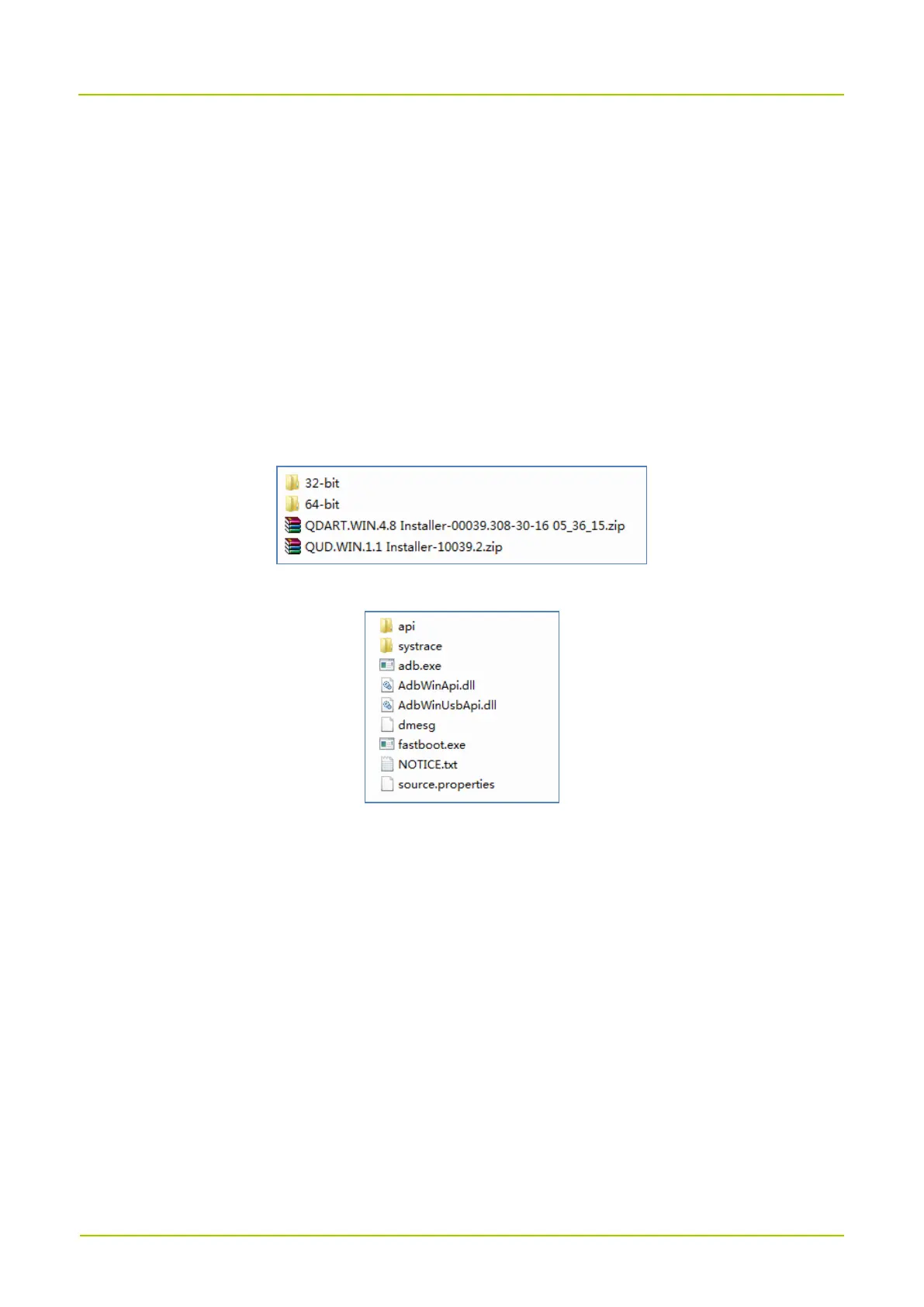
Qualcomm USB driver: all files and folders under the "cross2_win_usb_driver" folder as shown
below.
ADB and FASTBOOT tool: all packages in the "platform-tools" folder as shown below.
8.1.2 Procedure
1.
Unzip and install "
QDART.WIN.4.8 Installer-00039.308-30-16 05_36_15.zip
" and "
QUD.WIN.1.1
Installer-10039.2.zip
".
2. Click the
Next
button until the installation is complete.
3. Copy all files and subfolders in the "platform-tools" folder to the system directory
"C:\Windows\System32".
4. Connect the radio to the PC using USB cable. Go to "Control Panel -> Hardware and Sound -> View
Devices and Printers -> Device Manager", and check whether the PC establishes a mapping between
Qualcomm port (for example Qualcomm HS-USB Diagnostics 9091) and ADB Interface.



 To Next Page