User Manual of Network Camera
Chapter 14 Application
Click Application to enter the statistics counting interface. You can search, view, and
download the counting data stored in the local storage or network storage.
Note: Application function varies according to the different camera models.
14.1 Face Capture Statistics
After you enable the face capture function, you can view and download the captured face
data from application tab. To get more intuitional results, you can display the data in
different charts.
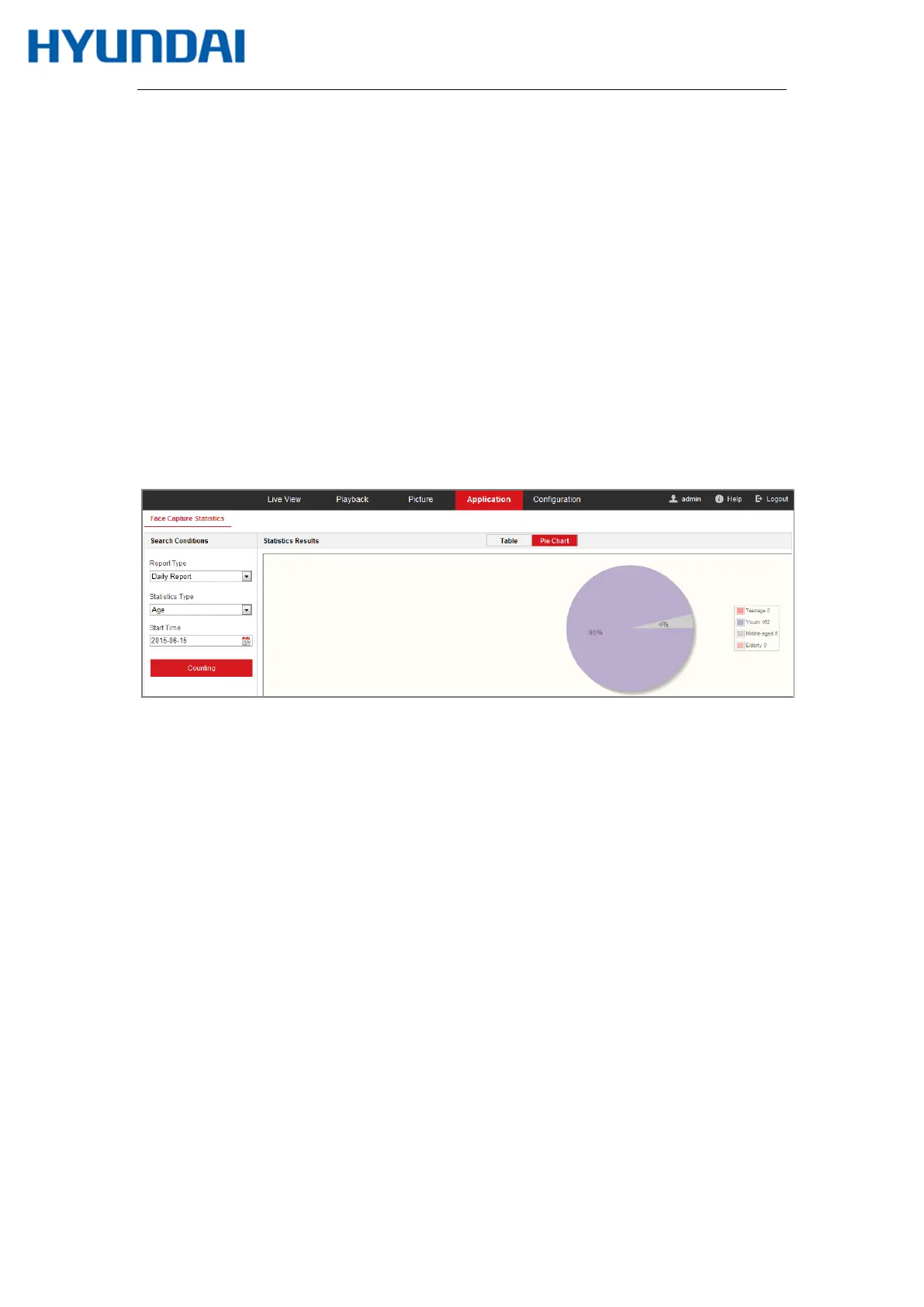
Figure 14-1 Application Interface
Steps:
1.
Select the report type. Daily report, weekly report, monthly report, and annual
report are selectable.
2.
Select the statistics type.
3.
Select the start time, and click Counting.
The counting result displays in the statistic result area. Click Table or Pie Chart to
display the result in different way.
Note: If you list the counting results in table, you can export the data in a excel file.
14.2 People Counting Statistics
After you enable the people counting function, you can view and download the people



 To Next Page