49
Network Camera User Manual
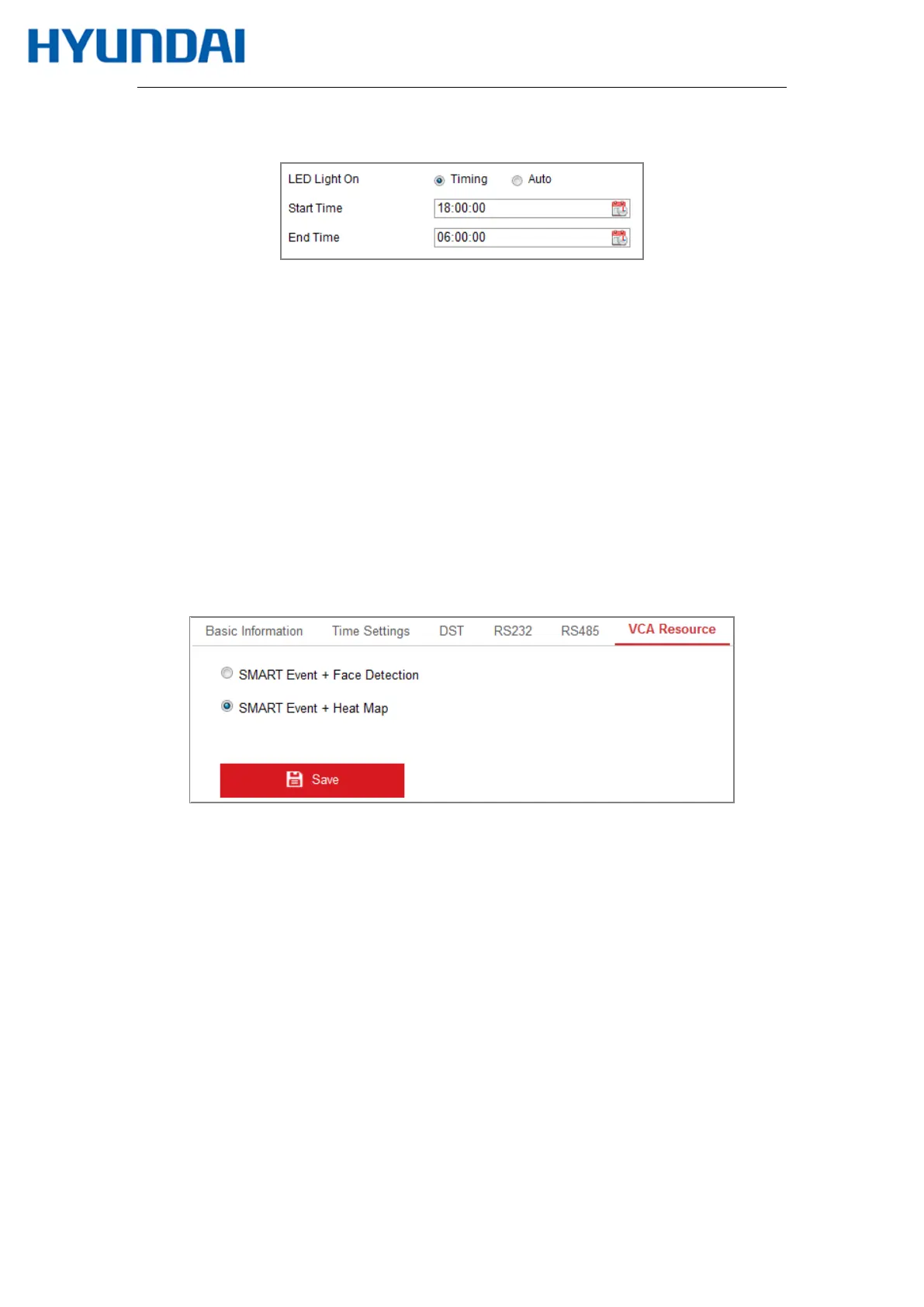
the Start Time and End Time.
Figure 6-11 Set Schedule
Auto: The LED will be turned on according to the environment illumination.
5.
Click Save to save the settings.
6.2.7
Configuring VCA Resource
Purpose:
VCA resource offers you options to enable certain VCA functions according to actual need
when several VCA functions are available. It helps allocate more resources to the wanted
functions.
Figure 6-12 VCA Resource Configuration
Steps:
1.
Enter VCA Resource configuration interface:
Configuration > System > System Settings > VCA Resource
2.
Select a desired VCA combination. SMART Event + Face Detection and SMART Event
+ Heat Map are selectable.
3.
Click Save to save the settings. A reboot is required after setting the VCA Resource.
Notes:
• VCA Resource function varies according to different camera models.



 To Next Page