55
Network Camera User Manual
(3)
Click the OK to finish modifying.
Delete an IP Address or IP Addresses. Select
the IP address(es) and click Delete.
5.
Click Save to save the settings.
6.4.3
Security Service
To enable the remote login, and improve the data communication security, the camera
provides the security service for better user experience.
Steps:
1.
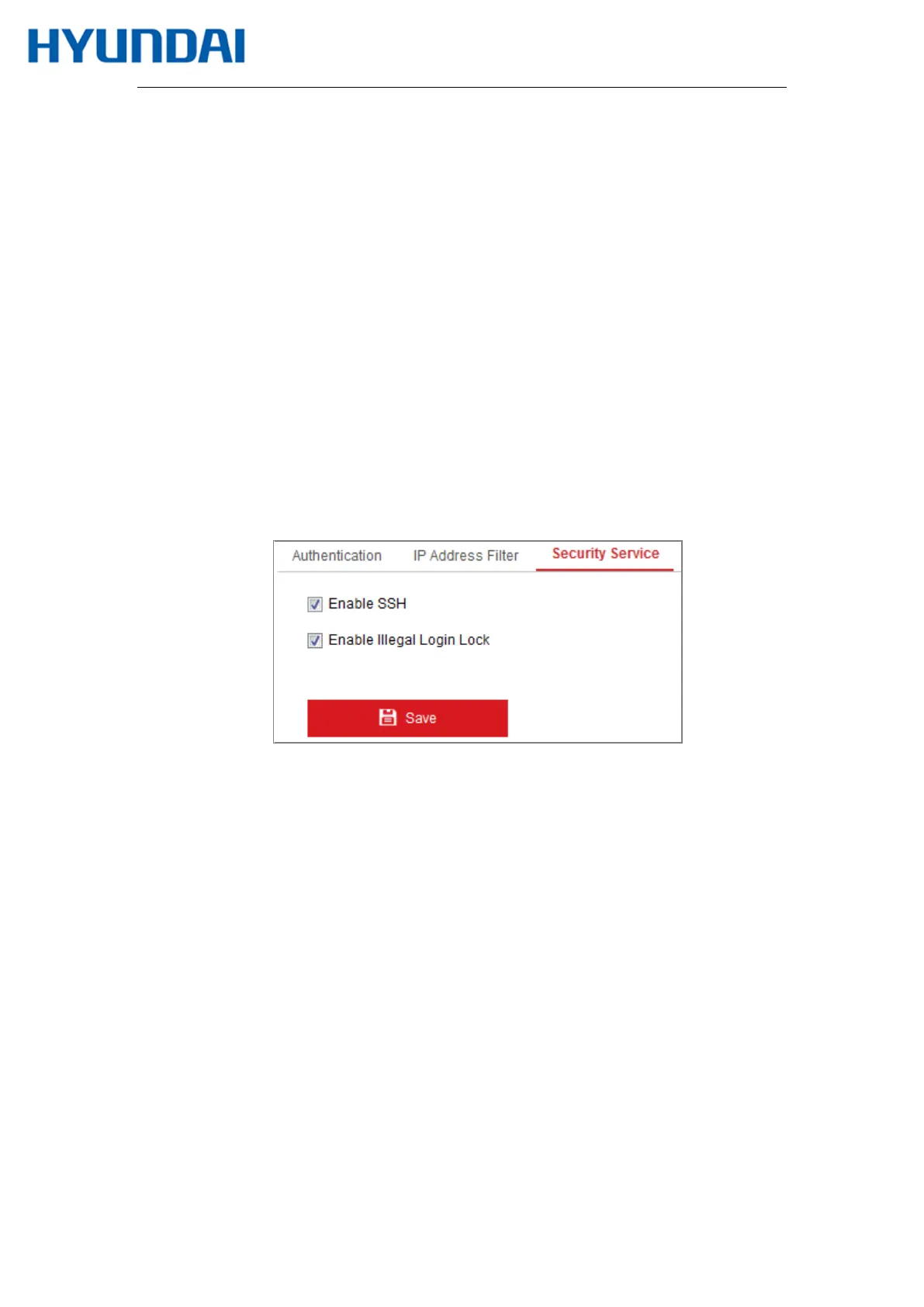
Enter the security service configuration interface: Configuration > System >
Security > Security Service.
Figure 6-19 Security Service
2.
Check the checkbox of Enable SSH to enable the data communication security, and
uncheck the checkbox to disable the SSH.
3.
Check the checkbox of Enable Illegal Login Lock, and then the IP address will be locked
if the admin user performs 7 failed user name/password attempts (5 times for the
operator/user).
Note: If the IP address is locked, you can try to login the device after 30 minutes.



 To Next Page