39
Network Camera User Manual
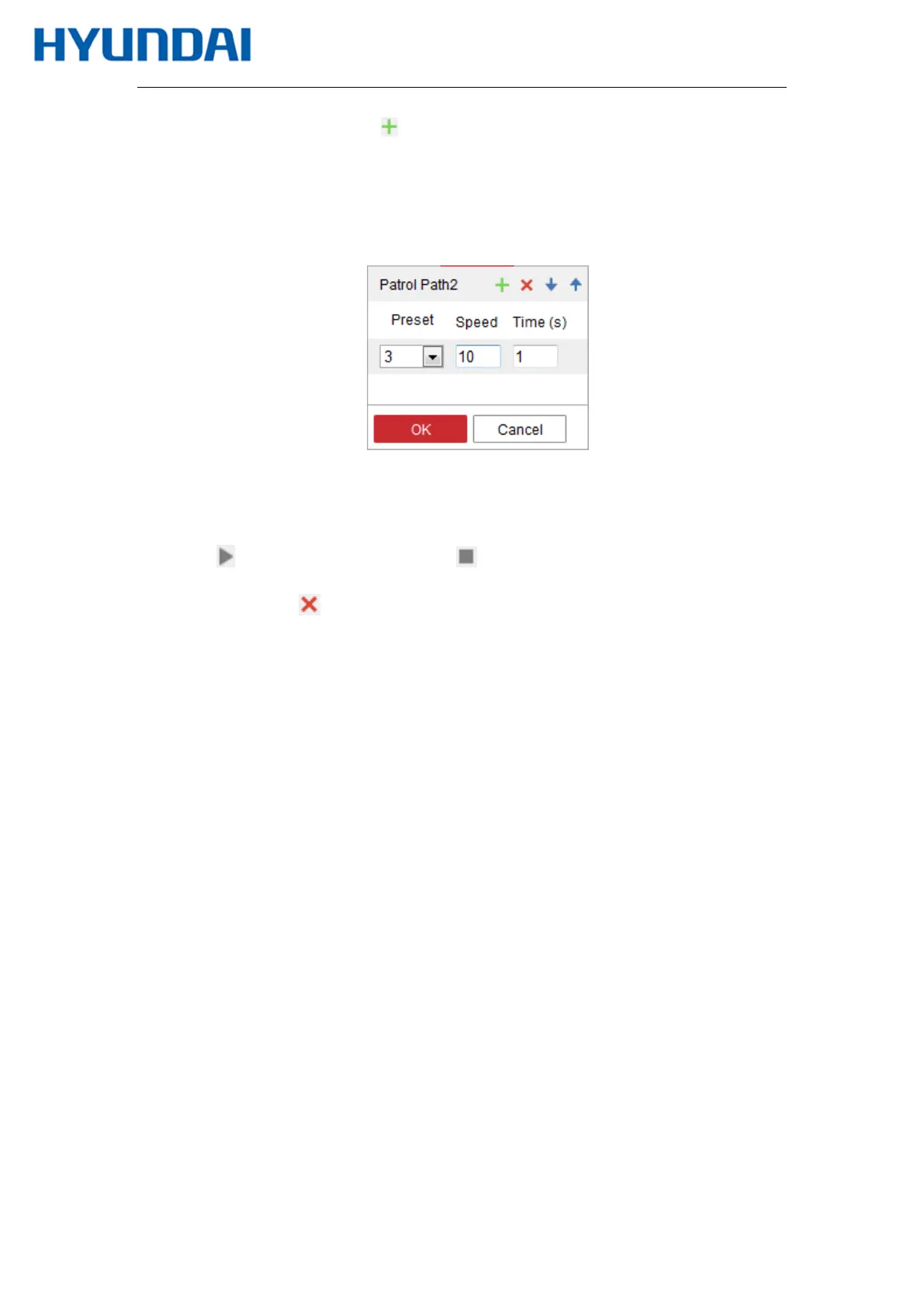
2. Select a path No., and click to add the configured presets.
3. Select the preset, and input the patrol duration and patrol speed.
4. Click OK to save the first preset.
5. Follow the steps above to add the other presets.
Figure 5-6 Add Patrol Path
6. Click OK to save a patrol.
7. Click to start the patrol, and click to stop it.
8. (Optional) Click to delete a patrol.



 To Next Page