77
Network Camera User Manual
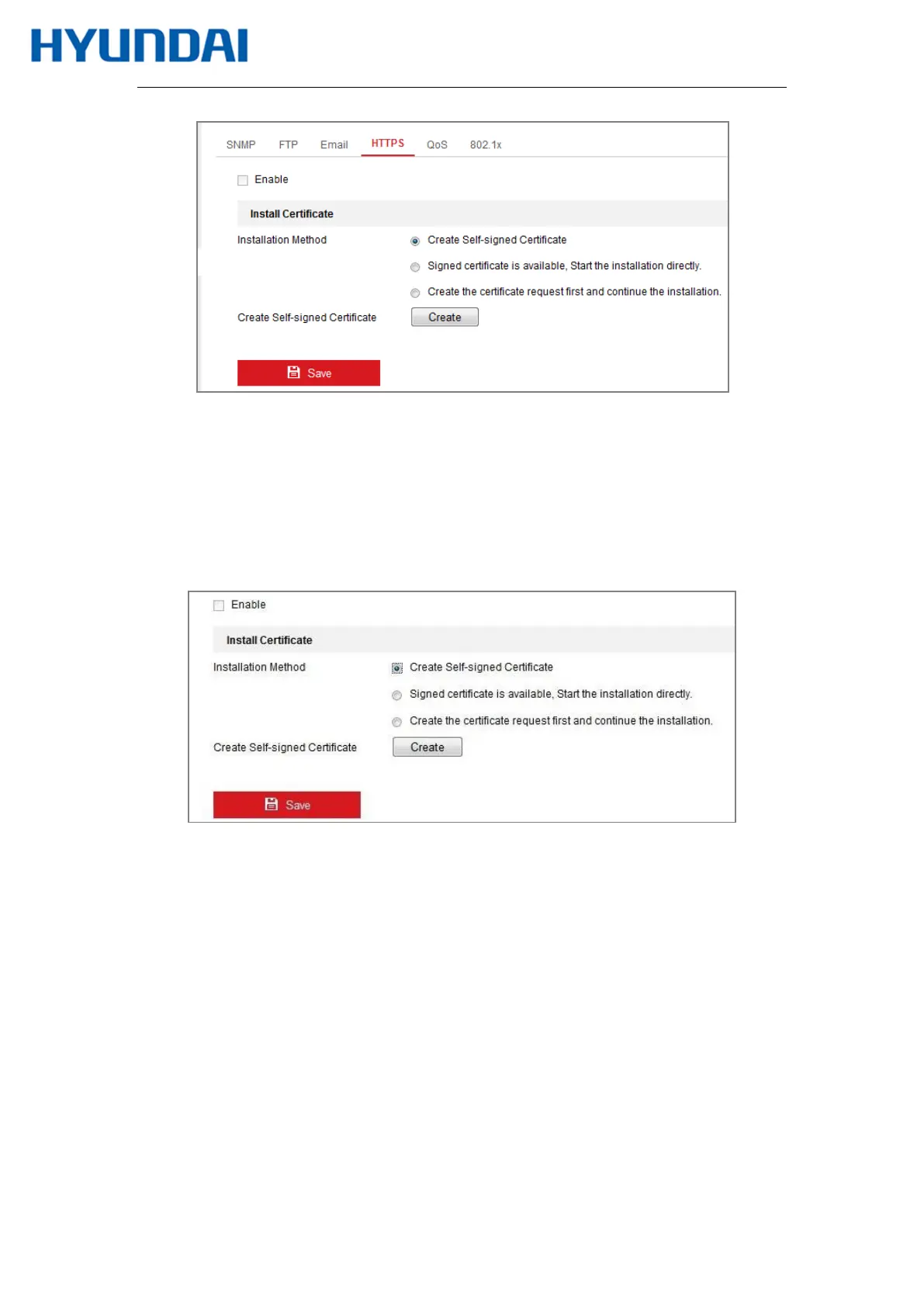
Figure 7-12 HTTPS Configuration Interface
3.
Create the self-signed certificate or authorized certificate.
Create the self-signed certificate
(1)
Select Create Self-signed Certificate as the Installation Method.
(2)
Click Create button to enter the creation interface.
Figure 7-13 Create Self-signed Certificate
(3)
Enter the country, host name/IP, validity and other information.
(4)
Click OK to save the settings.
Note: If you already had a certificate installed, the Create Self-signed Certificate is
grayed out.
Create the authorized certificate
(1)
Select Create the certificate request first and continue the installation as the
Installation Method.
(2)
Click Create button to create the certificate request. Fill in the required
information in the popup window.



 To Next Page