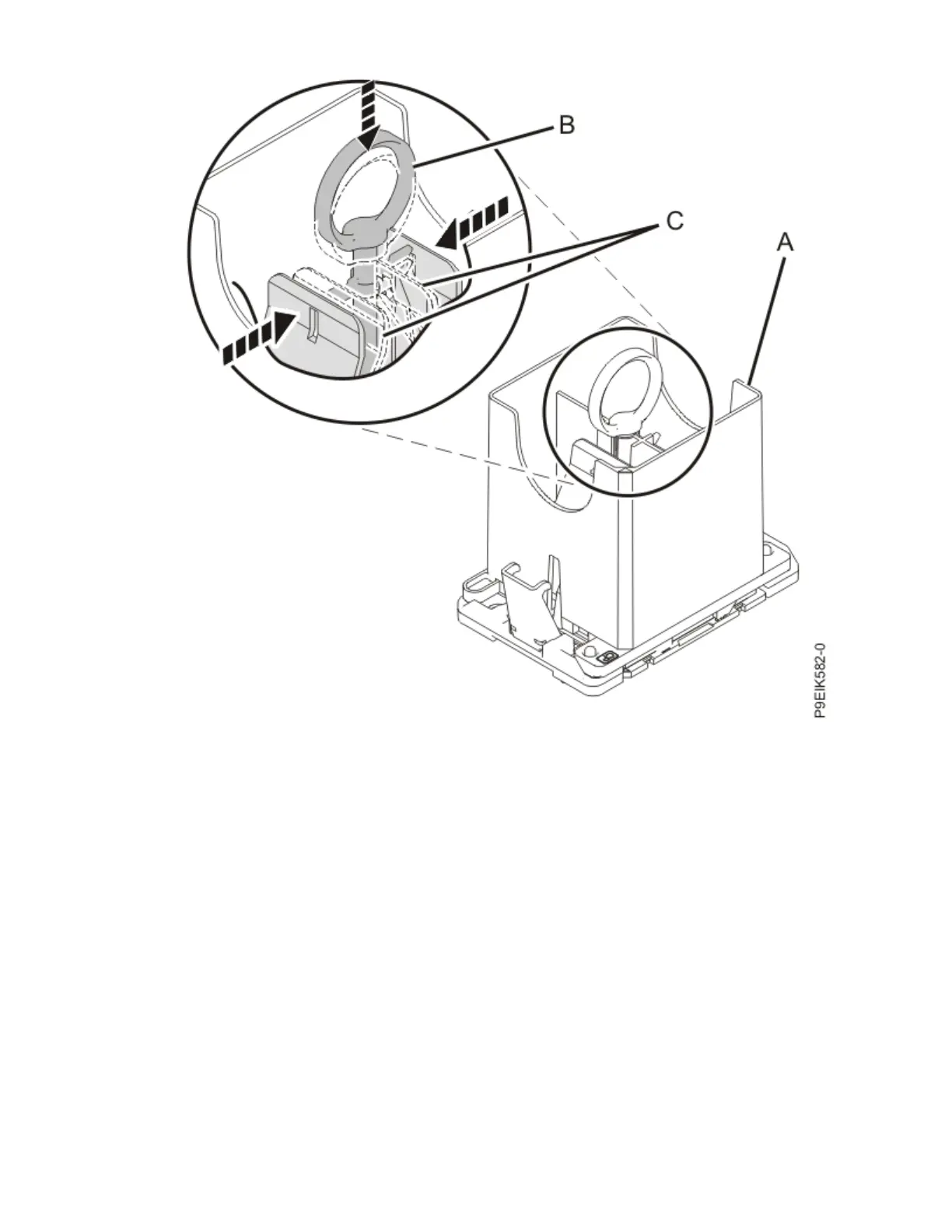
Figure 82. Removing the system processor module tool
d) Lift the tool off the system processor module.
14. Inspect the thermal interface material (TIM) for visible signs of damage, as shown in the following
gure. If you see folds, tears, bends, or if you have doubts about the TIM, replace it.
94
Power Systems: Servicing the IBM Power System IC922 (9183-22X)



 To Next Page