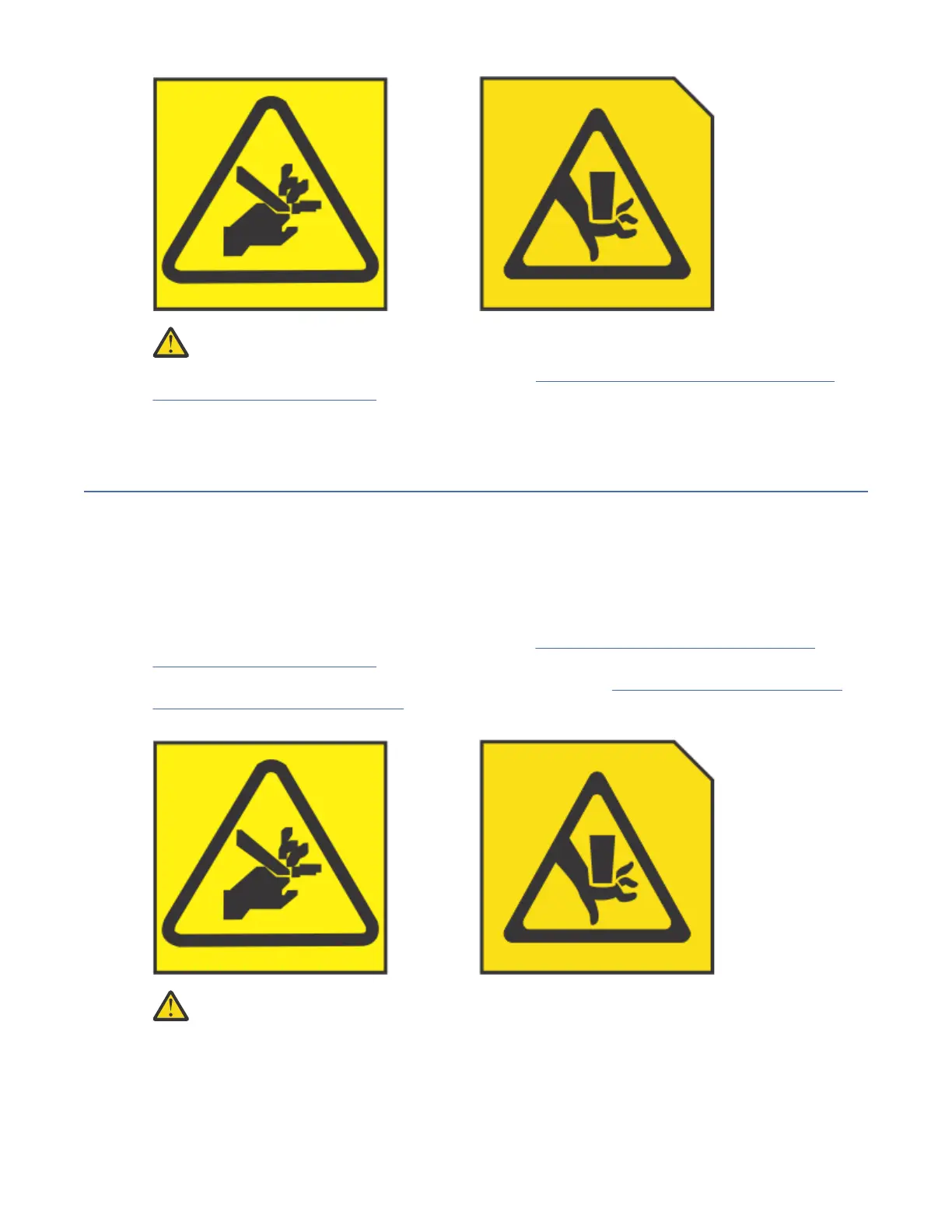
CAUTION: Pinch hazard. (L012)
9. Remove the service access cover. For instructions, see “Removing the service access cover from a
9183-22X system” on page 156.
Preparing the 9183-22X system for operation after you remove and replace
internal parts
To prepare the system for operation after you remove and replace internal parts, complete the steps in
this procedure.
Procedure
1. Ensure that you have the electrostatic discharge (ESD) wrist strap on and that the ESD clip is plugged
into a ground jack or connected to an unpainted metal surface. If not, do so now.
2. Replace the service access cover. For instructions, see “Installing the service access cover on a
9183-22X system” on page 157.
3. Place the system into the operating position. For instructions, see “Placing a 9183-22X system into
the operating position” on page 160.
(L012)
CAUTION:
Pinch hazard. (L012)
4. Tighten the cover screw (C) at the rear of the system as shown in the following gure.
150
Power Systems: Servicing the IBM Power System IC922 (9183-22X)



 To Next Page