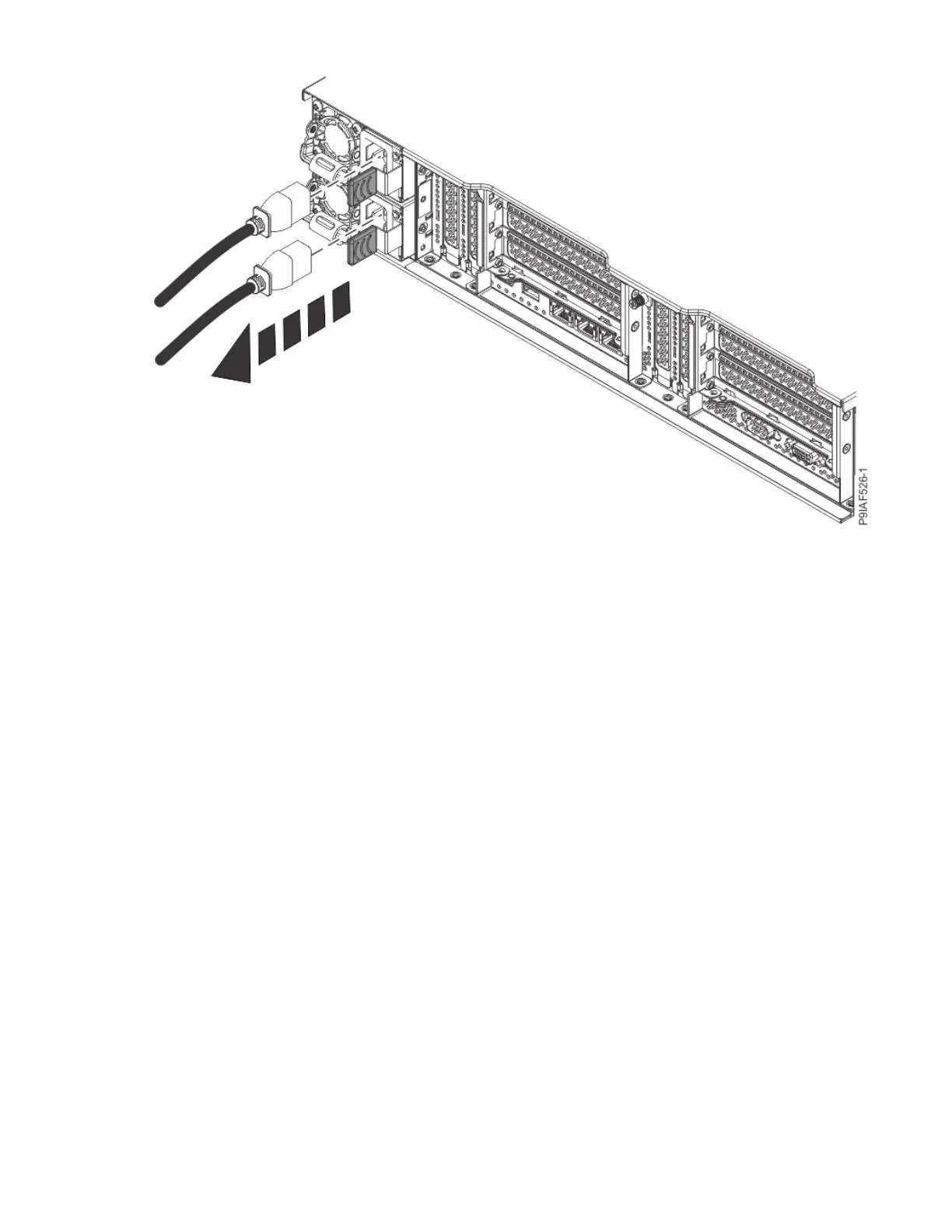
Figure 140. Removing the power cords from the system
Connecting power cords to the 9183-22X system
To connect a power cord, complete the steps in this procedure.
Procedure
1. Open the rear rack door on the system unit that you are servicing.
2. Using your labels, reconnect the power cords to the system unit as shown in the following gure.
162
Power Systems: Servicing the IBM Power System IC922 (9183-22X)



 To Next Page