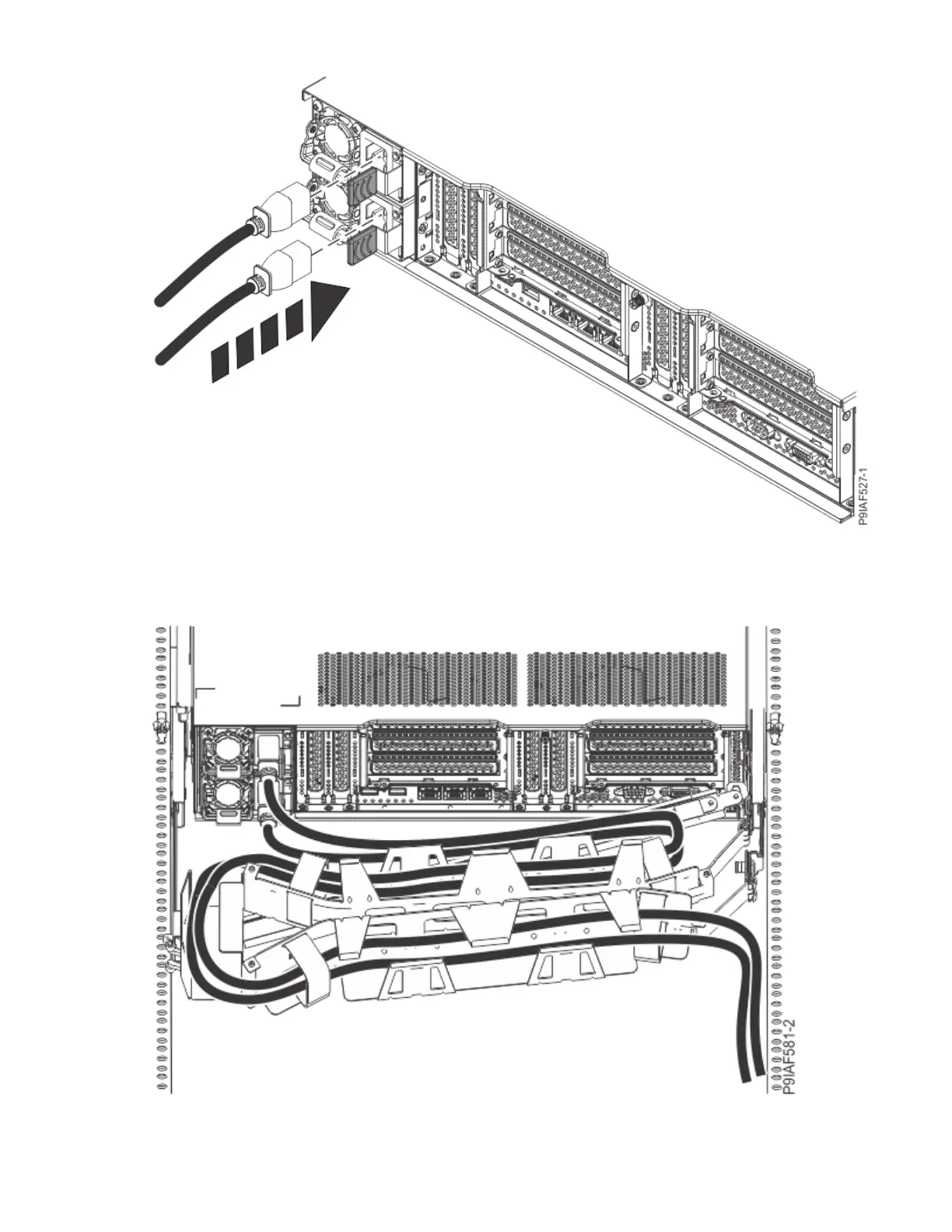
Figure 141. Connecting the power cords to the system
3. Loop and attach the power cords to the power supply handle.
Note how the power is looped; be sure to maintain at least a 5 cm (2 in.) diameter loop. Use the hook-
and-loop fastener to tie the power cord to the power supply handle.
Figure 142. Routing the power cord loop in the cable management arm
4. Close the rack door at the rear of the system.
Common procedures for servicing or installing features in the 9183-22X system
163



 To Next Page