CAUTION: Pinch hazard. (L012)
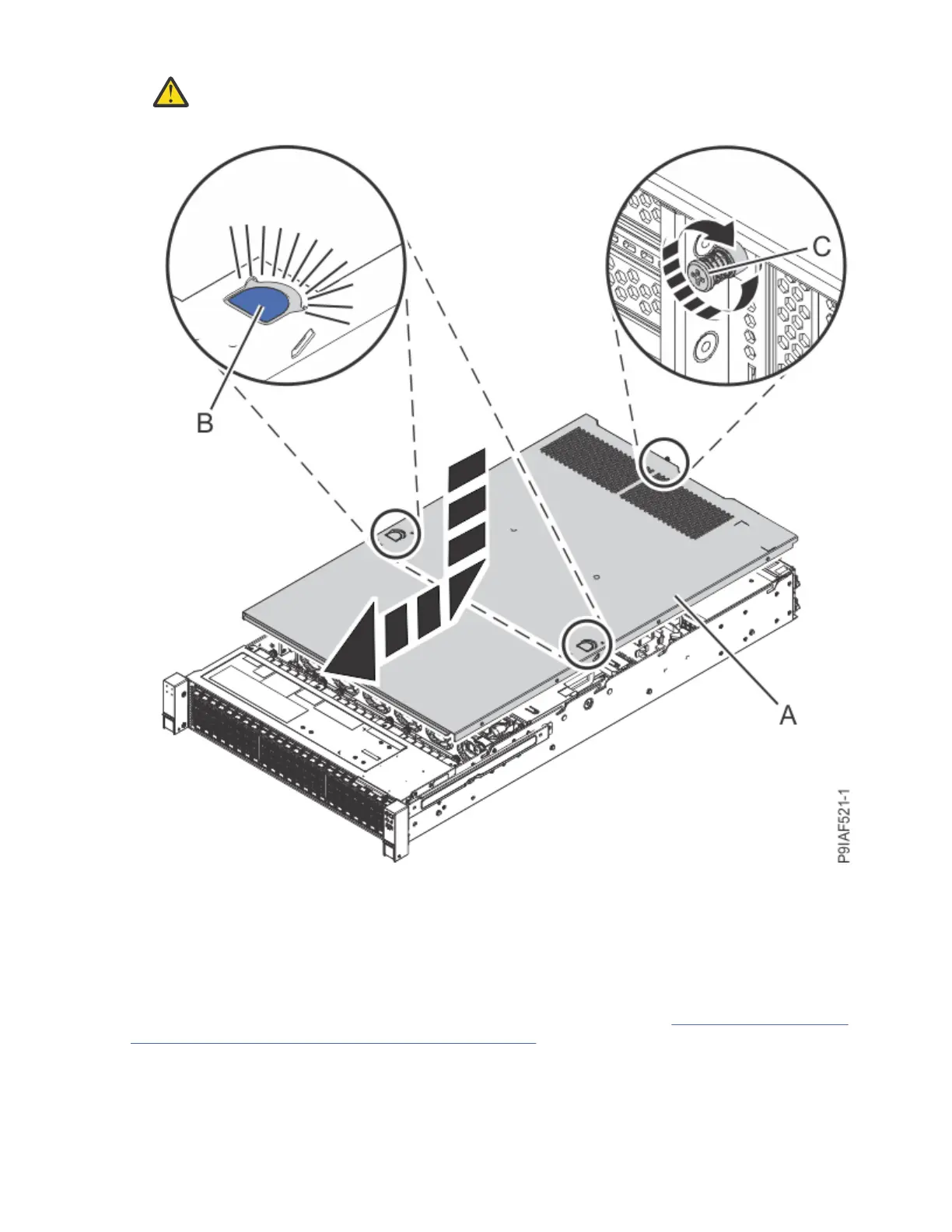
9. Tighten the cover screw (C) at the rear of the system as shown in the following gure.
Figure 14. Tightening the cover screw
Removing the fan cage assembly from the 9183-22X system
To remove the fan cage assembly from the system, complete the steps in this procedure.
Before you begin
Power off the system and place it in the service position. For instructions, see “Preparing the 9183-22X
system to remove and replace internal parts” on page 146.
(L008)
20
Power Systems: Servicing the IBM Power System IC922 (9183-22X)



 To Next Page