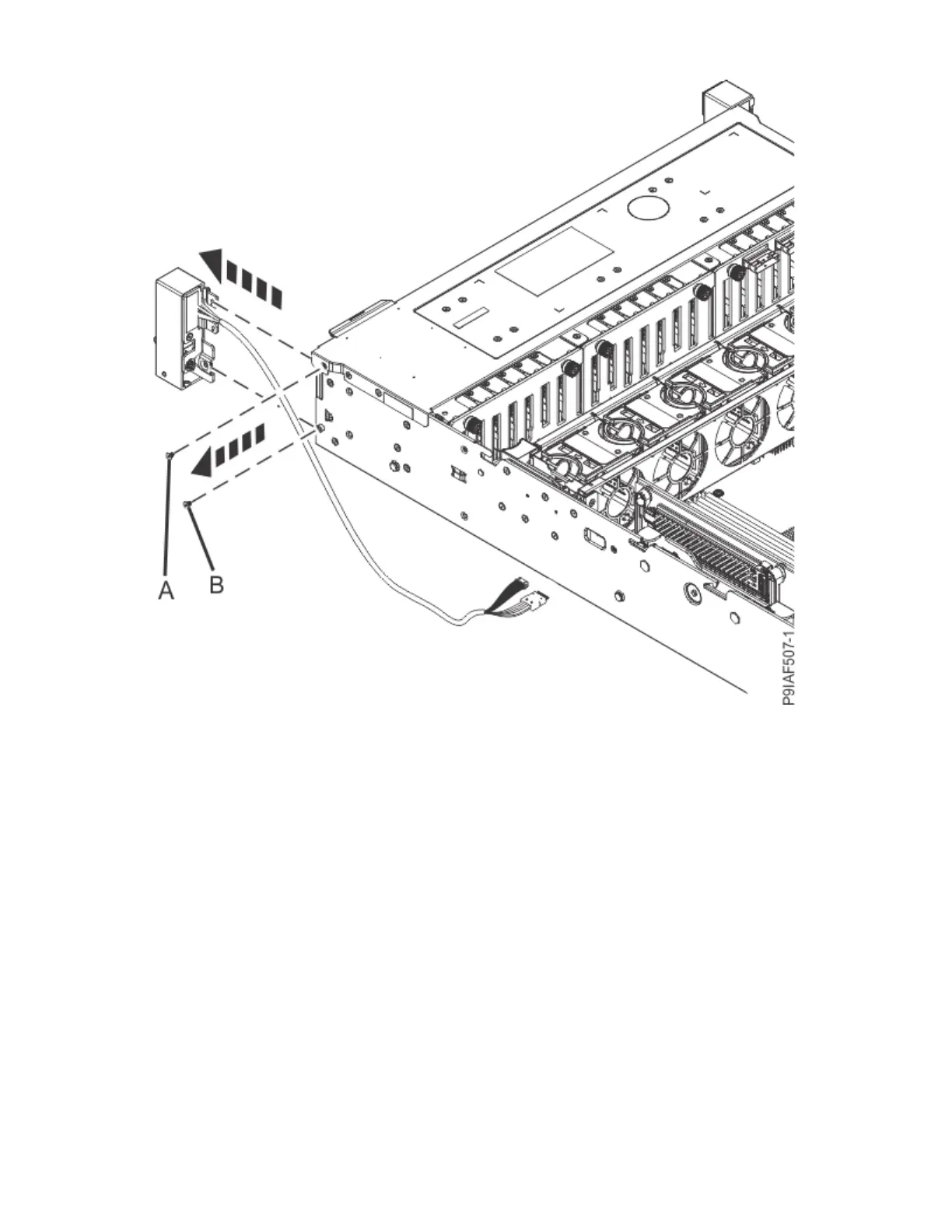
Figure 64. Removing the power switch
Replacing the power switch and cables in the 9183-22X system
To replace the power switch and cables, complete the steps in this procedure.
Procedure
1. Ensure that you have the electrostatic discharge (ESD) wrist strap on and that the ESD clip is plugged
into a ground jack or connected to an unpainted metal surface. If not, do so now.
2. Fasten the power switch to the side of the server by using the two screws (A) and (B) as shown in the
following gure.
74
Power Systems: Servicing the IBM Power System IC922 (9183-22X)



 To Next Page