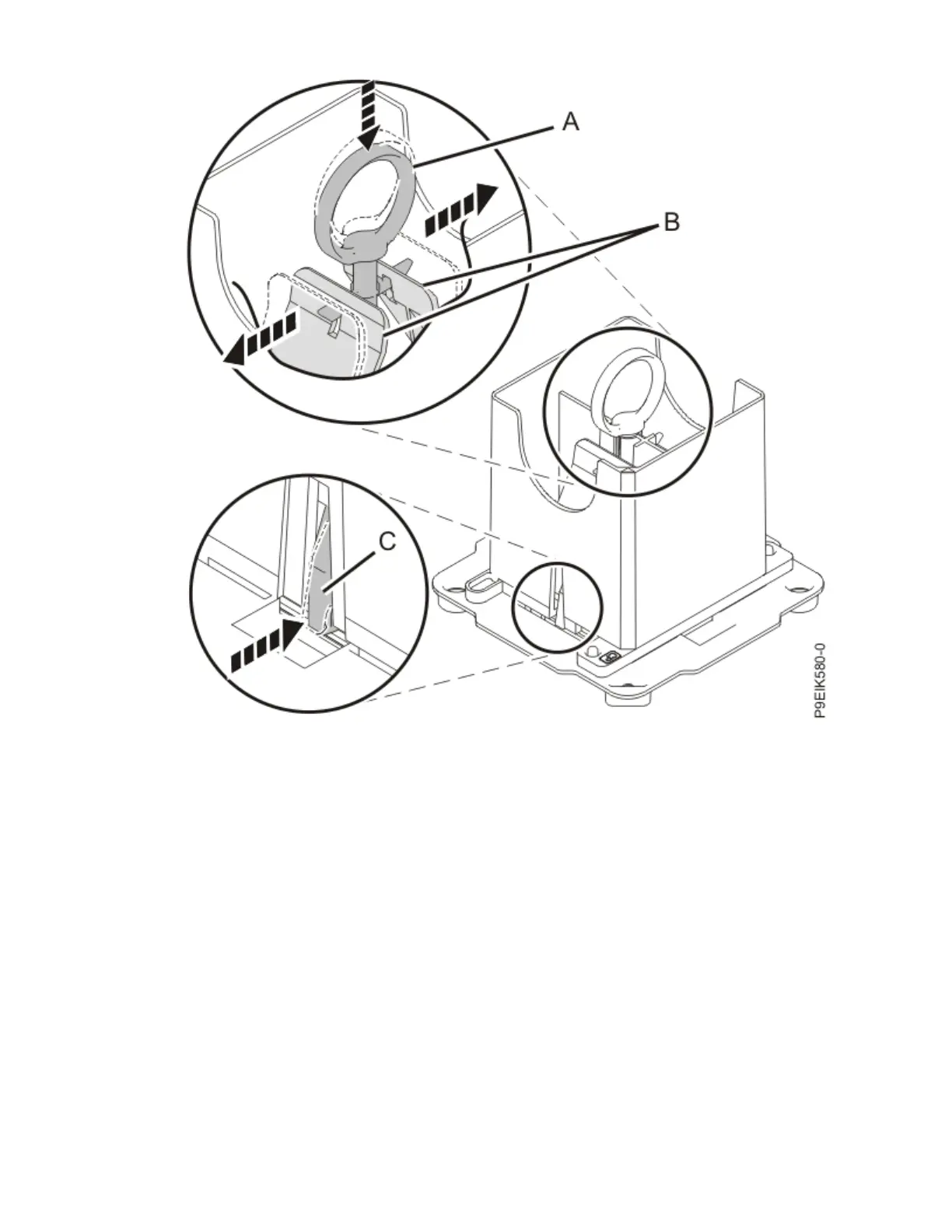
Figure 104. Locking the system processor module into the tool
4. Hold the sides of the tool with the system processor module and carefully lift the tool out of the
system processor module tray.
5. Install the system processor module:
a) If dust or debris is present on the system processor socket, use the supplied air pump to clean the
socket. Blow small bursts of air from the center toward the sides of the socket, as shown in the
following gure.
Removing and replacing parts in the 9183-22X
117



 To Next Page