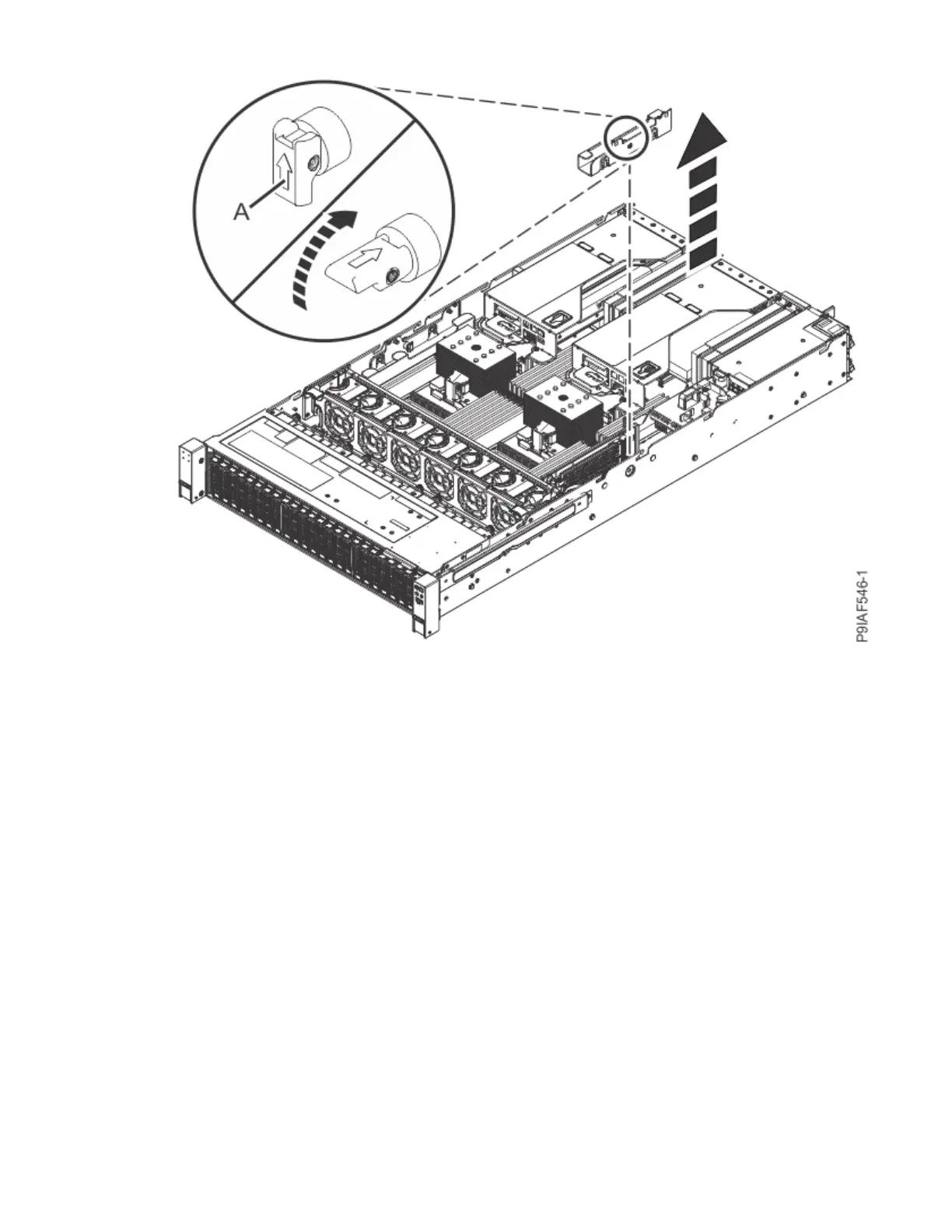
Figure 121. Retracting the retaining pin and removing the right cable holder
c) Lift the drive cable holder out of the system.
4. To remove the TPM card, pull the lever (A) to release the TPM card. Lift the TPM card straight up from
the system backplane as shown in the following gure.
134
Power Systems: Servicing the IBM Power System IC922 (9183-22X)



 To Next Page