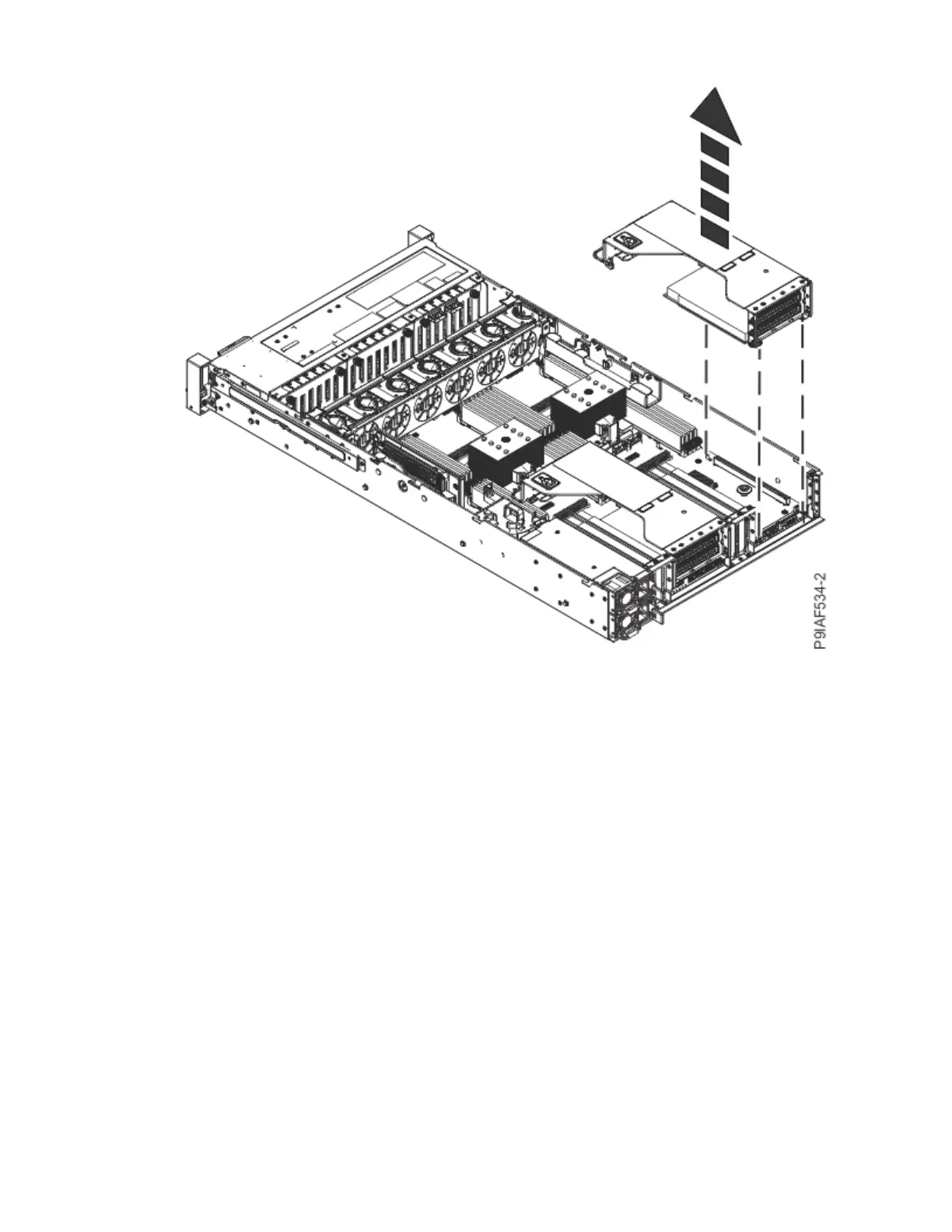
Figure 20. Removing the PCIe riser
c) Move the PCIe riser out of the way, so you can access the memory modules.
6. If the memory socket is covered by the power distribution board on the right side of the system,
complete the following steps to remove the power distribution board.
Removing the power distribution board requires that the power supplies be partially removed from
the system.
a) Remove the drive cables from the drive cable holder.
b) Retract the retaining pin (A) as shown in the following gure.
Removing and replacing parts in the 9183-22X
27



 To Next Page