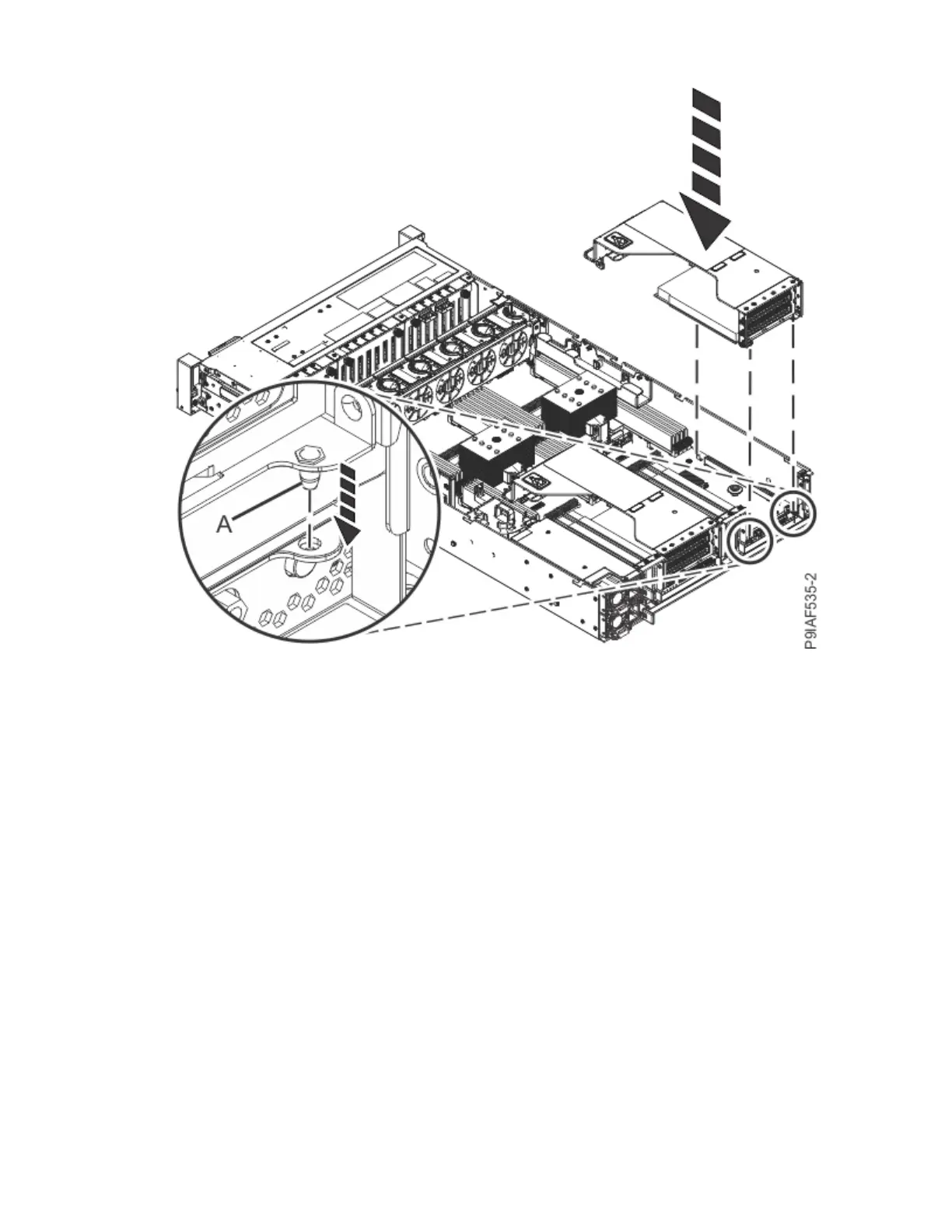
Figure 39. Inserting the PCIe adapter riser
f) Replace the drive cables into the drive cable holders along the sides of the system.
5. If you disconnected the drive cables, complete the following steps:
a) Using your labels, reconnect the front drive cables to the drive backplanes as shown in the
following gure.
Push the connector in until the latch clicks.
Removing and replacing parts in the 9183-22X
47



 To Next Page