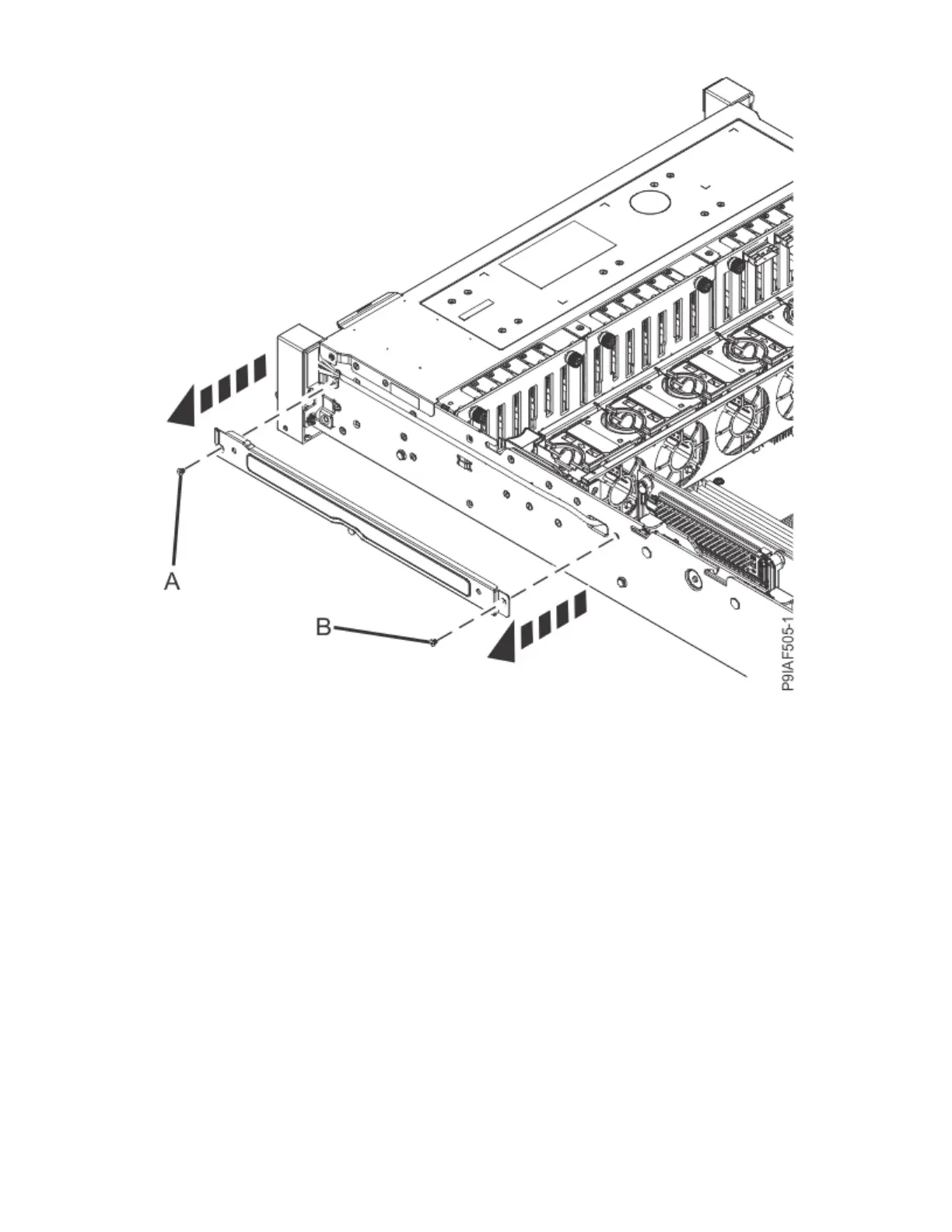
Figure 62. Removing the side channel
4. Disconnect the power switch cable (A) and the front USB cable (B) from the system backplane as
shown in the following gure. Feed the power switch cable and the USB cable through the opening in
the side of the chassis as shown in the following gure.
If needed, move the drive cables out of the way.
72
Power Systems: Servicing the IBM Power System IC922 (9183-22X)



 To Next Page