10
Changing Fahrenheit to Celsius
ThetemperaturedisplaysindegreesFahrenheitasafactorysetdefault.Followthesestepstochangetodegrees
Celsius:
Step 1: Removethecover.
Step 2: MovetheF/C jumpertothedesiredposition,ForCusingthecenterpinasacommon.
Step 3: PresstheReset buttononceandreinstallthecover.
YourLCDreadoutchangesaccordingly.
Starting the Thermostat
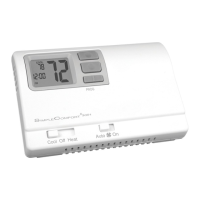
Step 1: MovetheFan switchintotheAutoposition.
•InAuto,indoorfanrunsonlyduringaheatingorcoolingcycle
•InON,indoorfanrunscontinuously
Step 2: MovetheMode switchineitherCoolorHeatposition,dependingontheseason.
Thethermostatwillnowoperateandmaintaintheroomtemperatureatthedesired
setpoint.
Note:
Whenthethermostatoperatesthesystem,thereisbuilt-incompressor
protection.Afterthecompressorturnsoff,thesystemwillnotturnitback
onforaboutveminutes.Thisprotectsthecompressor.
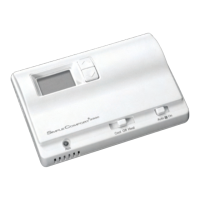
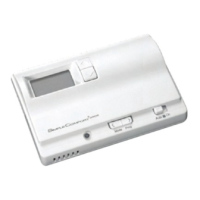
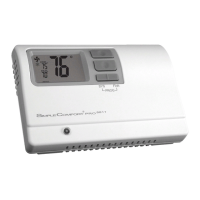
Cool Off Heat Emer
Mode
Auto On
Fan






 To Next Page