94
13
POCKET BEEP AND TONE/DIGITAL SQUELCH
New2001
13
DD
Setting from the RC-24
qSet the desired operating frequency and mode (FM or Dig-
ital voice).
• Using the CTCSS— in FM mode
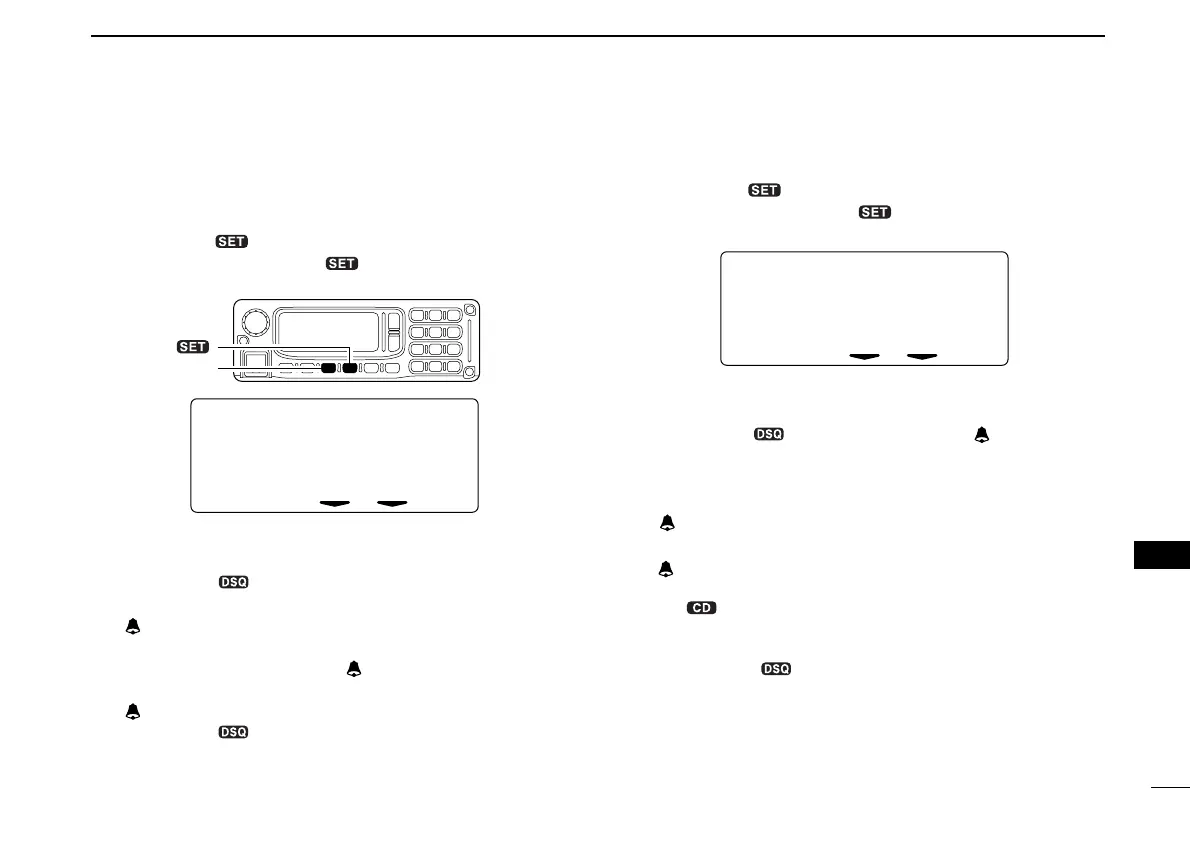
wPush [TXinh• ] for 0.5 sec. to enter set mode.
ePush [MODE] or [TXinh• ] several times to select
“CTCSS Tone” item.
rRotate [DIAL] to select the desired tone squelch frequency.
• After the selection, push [PWR] momentarily to exit set mode.
tPush [TONE••5] once or twice to turn the pocket beep
function ON.
•“ ” and “TSQL” appear.
yWhen a signal with matched tone is received the trans-
ceiver emits beep tones and “” indicator blinks.
uPush [PTT] to answer.
•“ ” indicator disappears.
iPush [TONE••5] once to cancel the tone squelch func-
tion.
•“TSQL” disappears.
• Using the digital code squelch— in Digital voice mode
wPush [TXinh• ] for 0.5 sec. to enter set mode.
ePush [MODE] or [TXinh• ] several times to select
“Digital Code” item.
rRotate [DIAL] to select the desired code number.
• After the selection, push [PWR] momentarily to exit set mode.
tPush [TONE••5] several times until “” and “CSQL”
appear to turn the pocket beep function ON.
yWhen a signal with matched digital code is received;
- The transceiver emits beep tones.
- “” indicator blinks.
uPush [PTT] to answer.
•“ ” indicator disappears.
• When the called station call sign is not selected in “UR,” push
[CS••1] for 0.5 sec. to display receive call sign indication
mode then push [SQL] for 0.5 sec. to set the call sign before
pushing [PTT].
iPush [TONE••5] once to cancel the digital code
squelch function.
•“CSQL” disappears.
CTCSS
Tone
88.5
[MODE]
[TXinh• ]
ID-1_ENG_2.qxd 04.9.22 9:30 Page 94 (1,1)



 To Next Page