Tools and Troubleshooting
MVS6000 System Level Manual/1.0/Dec-2001 6-3
6.1.1 To launch PCITerm
1. Make sure the board is booted, that is, MMI is running.
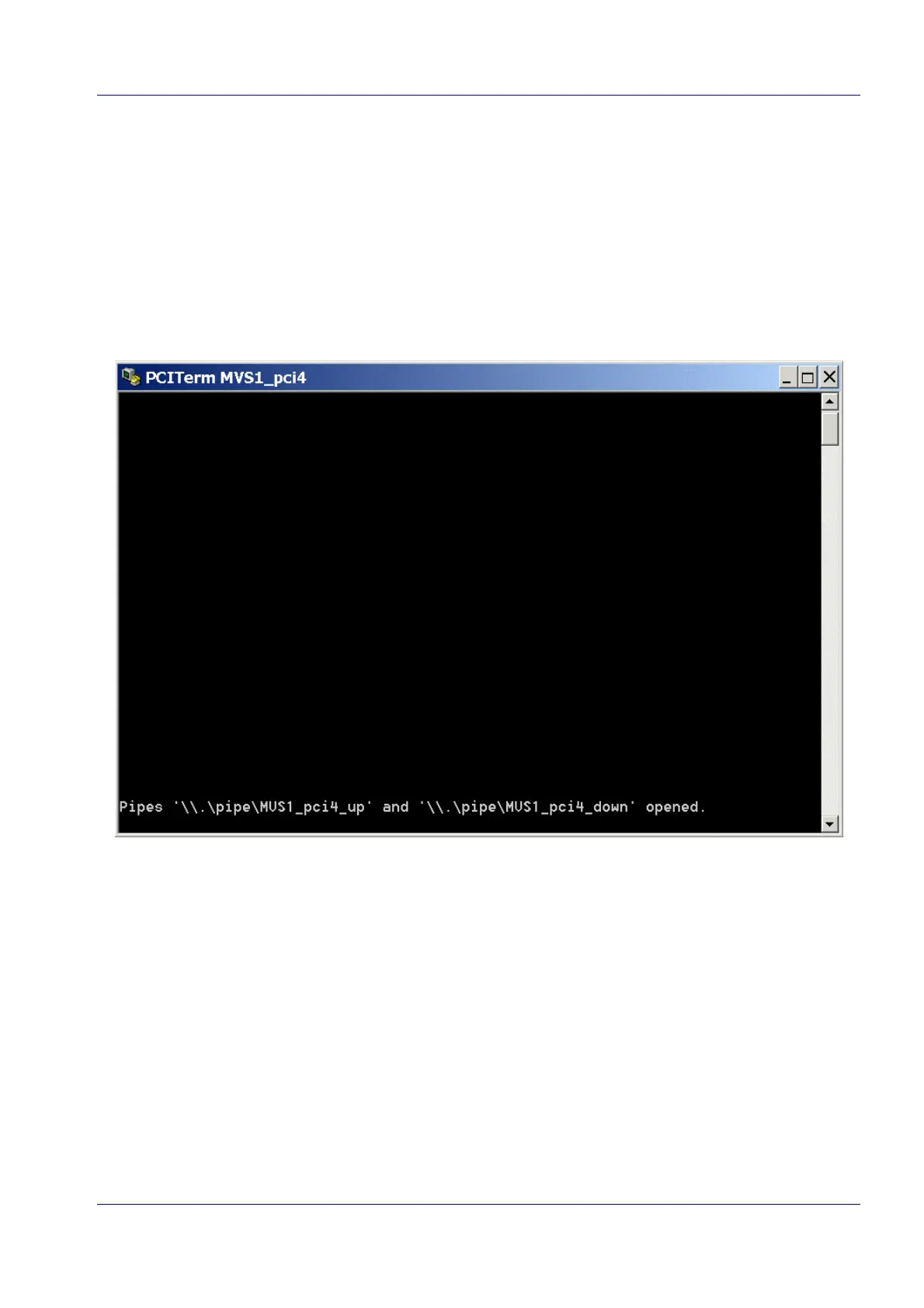
2. Double-click the shortcut in the Icos Tools folder on your desktop (for example “PciTerm
MVS1_pci4”).
A terminal window opens, telling you the pipes are opened (one pipe is open in each direction,
see page 5-3).
After a few seconds, the system shows the menu (see next page):


 To Next Page