Software
MVS6000 System Level Manual/1.0/Dec-2001 3-9
3.2.2 Install the MVS6000 Hardware Files
The Setup files for hardware installation can be found on the ICOS Installation CD that is delivered
with your system. These files are stored in the folder \Software\MVS6000 Hardware Setup\Disk1.
Tip: When you install the MVS6000 hardware files, virtuoso is installed automatically in the
MVS6000 folder on your hard disk.
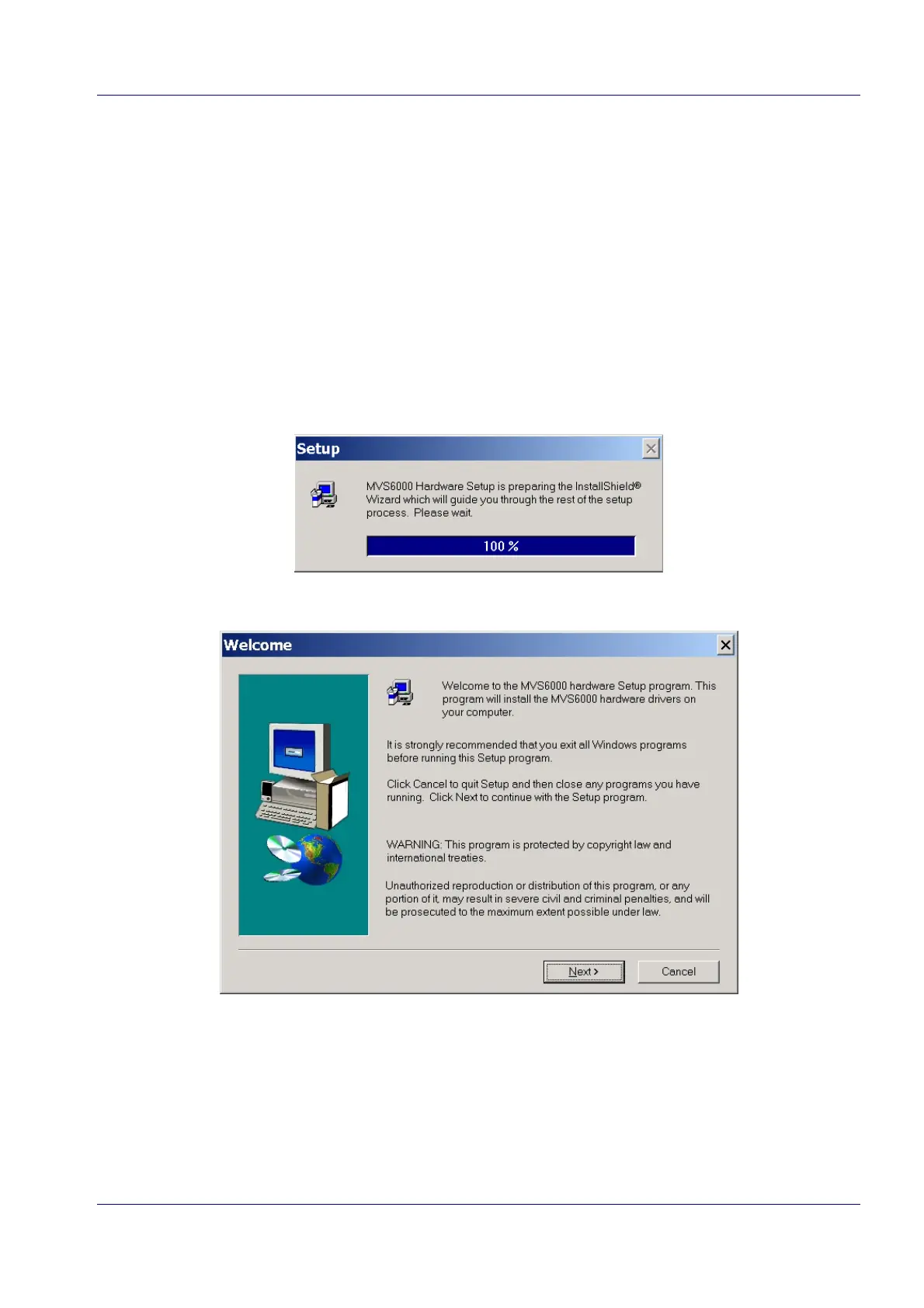
1. Run Setup.exe from the folder \Software\MVS6000 Hardware Setup\Disk1 on the ICOS
Installation CD.
The MVS6000 hardware Setup wizard starts:
After a few seconds the Welcome page opens:


 To Next Page