Tools and Troubleshooting
MVS6000 System Level Manual/1.0/Dec-2001 6-9
6.3 Language Setting in Windows2000
Two versions of Windows 2000 can be used:
· English only
· Multilingual (for Japanese customers).
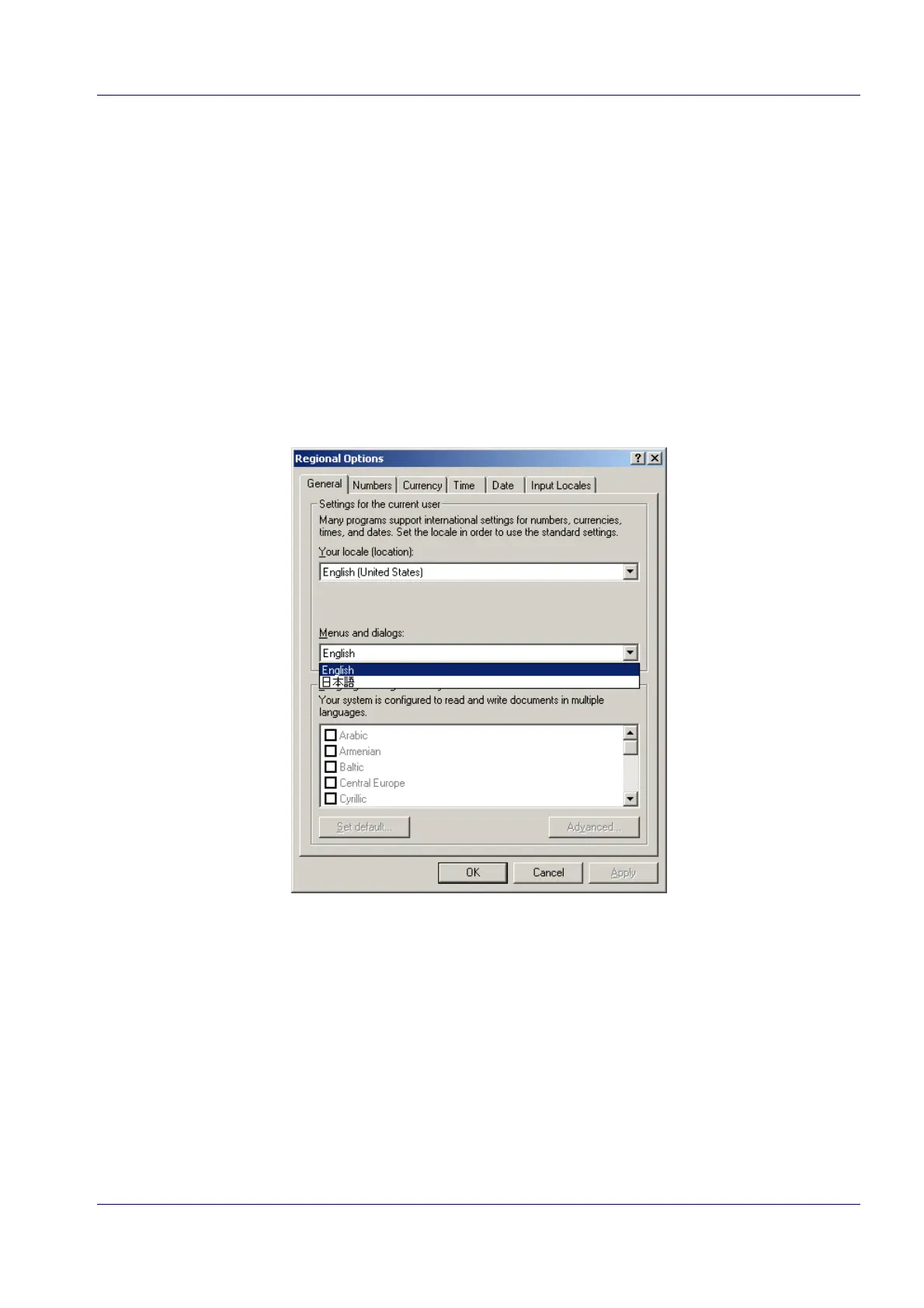
If you have the multilingual version, go to the Regional Options in the Control panel to:
· install other languages
· select the language for the menus and dialog boxes
Tip: You can find more detailed information on how to install and select languages in the Help
of Windows 2000. Select Start > Help and search for the keyword “language”.
The help topics you need are:
· Installing > Install additional languages
· Changing for dialogs and menus.


 To Next Page