Installation Procedures – 2
nd
Boom Sensor
2
nd
Boom Sensor
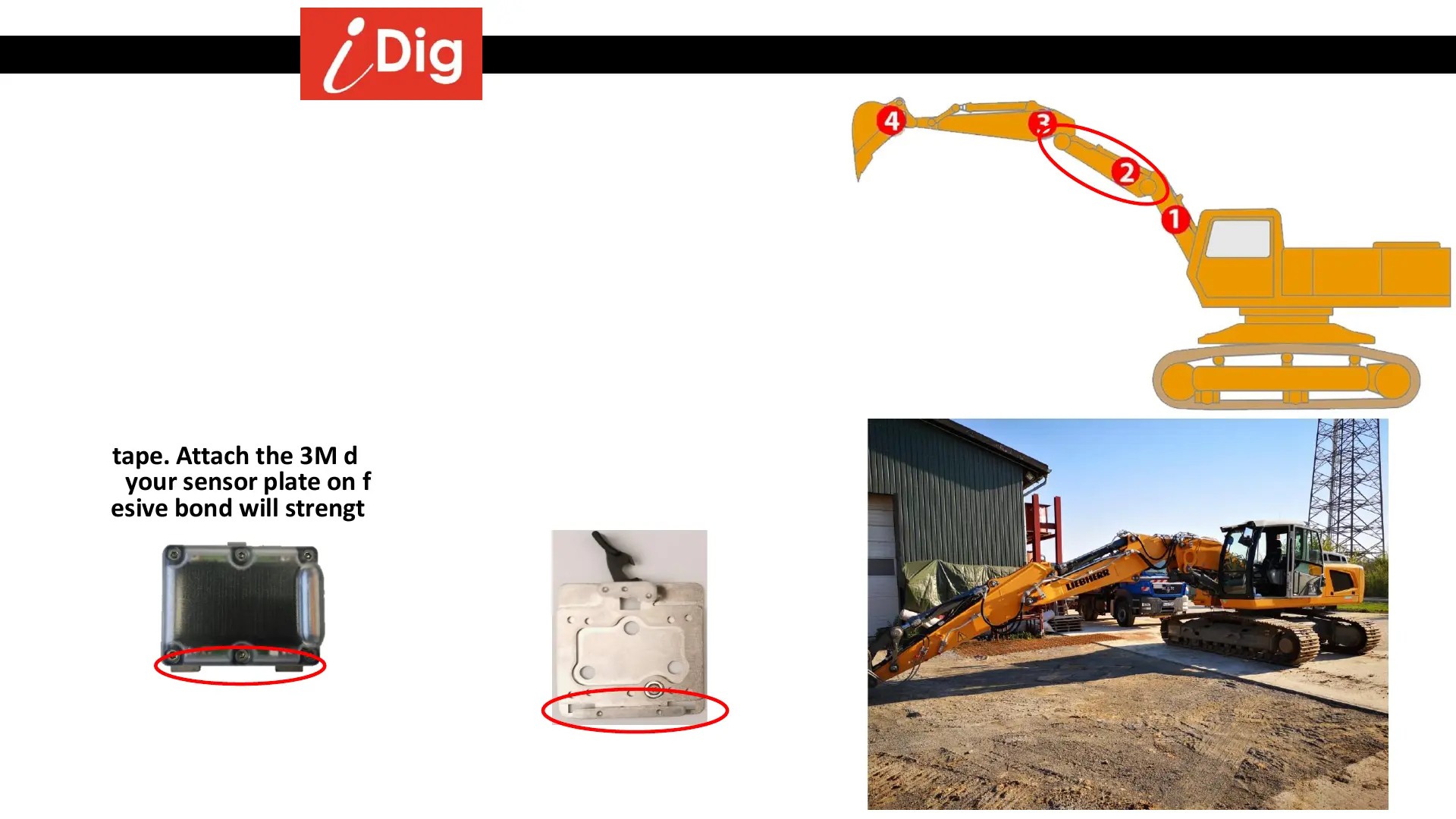
• Find a suitable location on the 2
nd
boom, left or right side, to install
the 2nd Boom Sensor. You are looking for a spot that is easy to
access when installing or removing the sensor day to day.
• You will want the bracket to be mounted so that the clips on the
Sensor are facing down. This makes it easier to remove the sensor.
• Suitably clean the area with Brake Cleaner and wipe dry. Clean the
surface of the boom as well as the back of the mounting bracket
with the 3M VHB wipes after completely cleaning the surface. They
are not intended to clean but they accelerate setting the glue of the
3M tape. Attach the 3M double sided tape to the bracket and then
stick your sensor plate on firmly and press for 30 seconds. The
adhesive bond will strengthen over time.
Mini Sensor XD467
Mini Plate XD422
10



 To Next Page