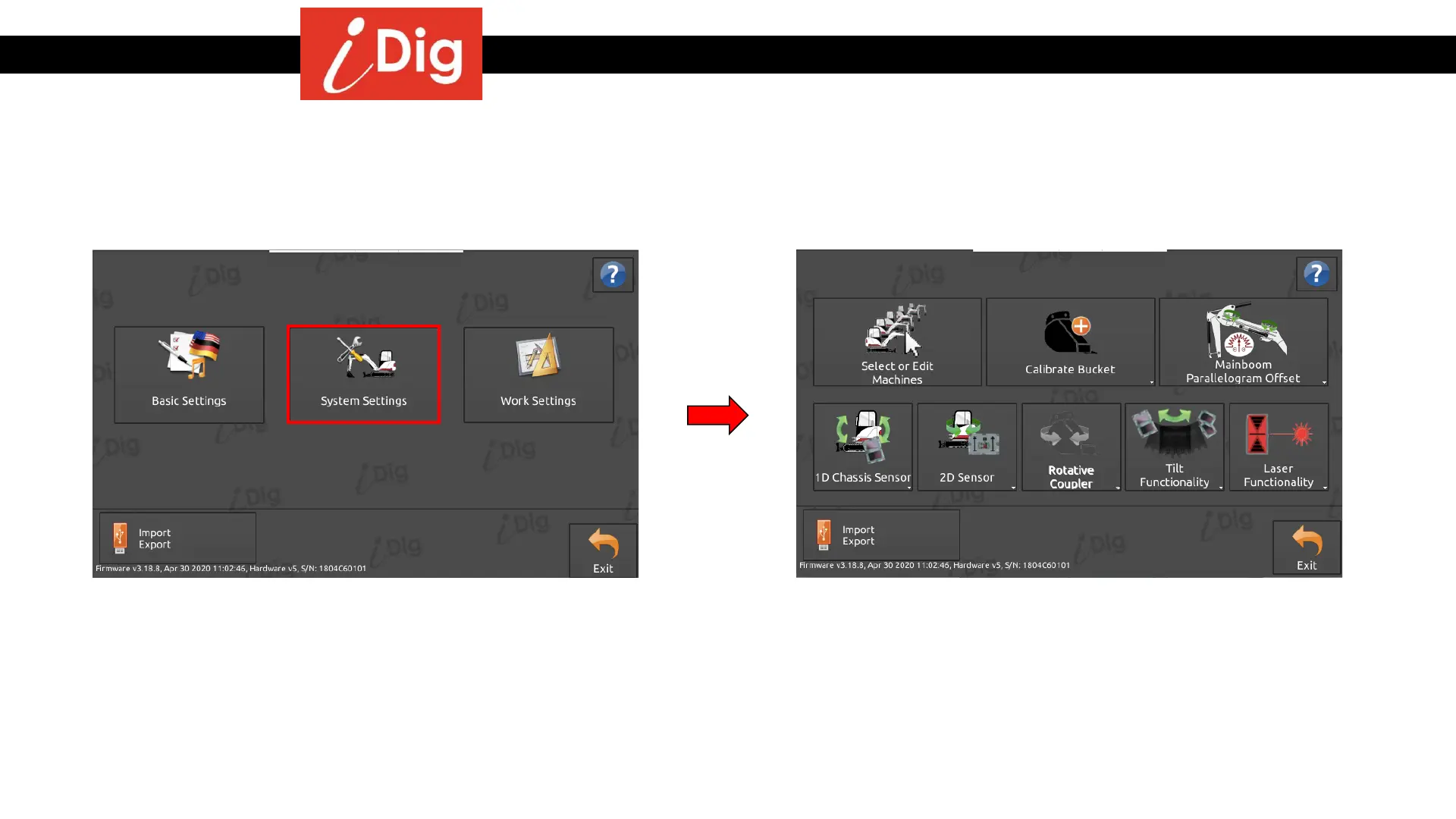
System Settings
145
• This Menu gives you access to calibrate various tools
and machines. Click on “System Settings”.
• From this screen you can access the list of machines and
buckets that you have stored in memory. You can
calibrate and add new tools, and you can check and edit
various machine settings. To actually calibrate a tool,
please refer to the “Calibration Procedures” earlier in
this manual.



 To Next Page