System Settings – Select or Edit a Machine
146
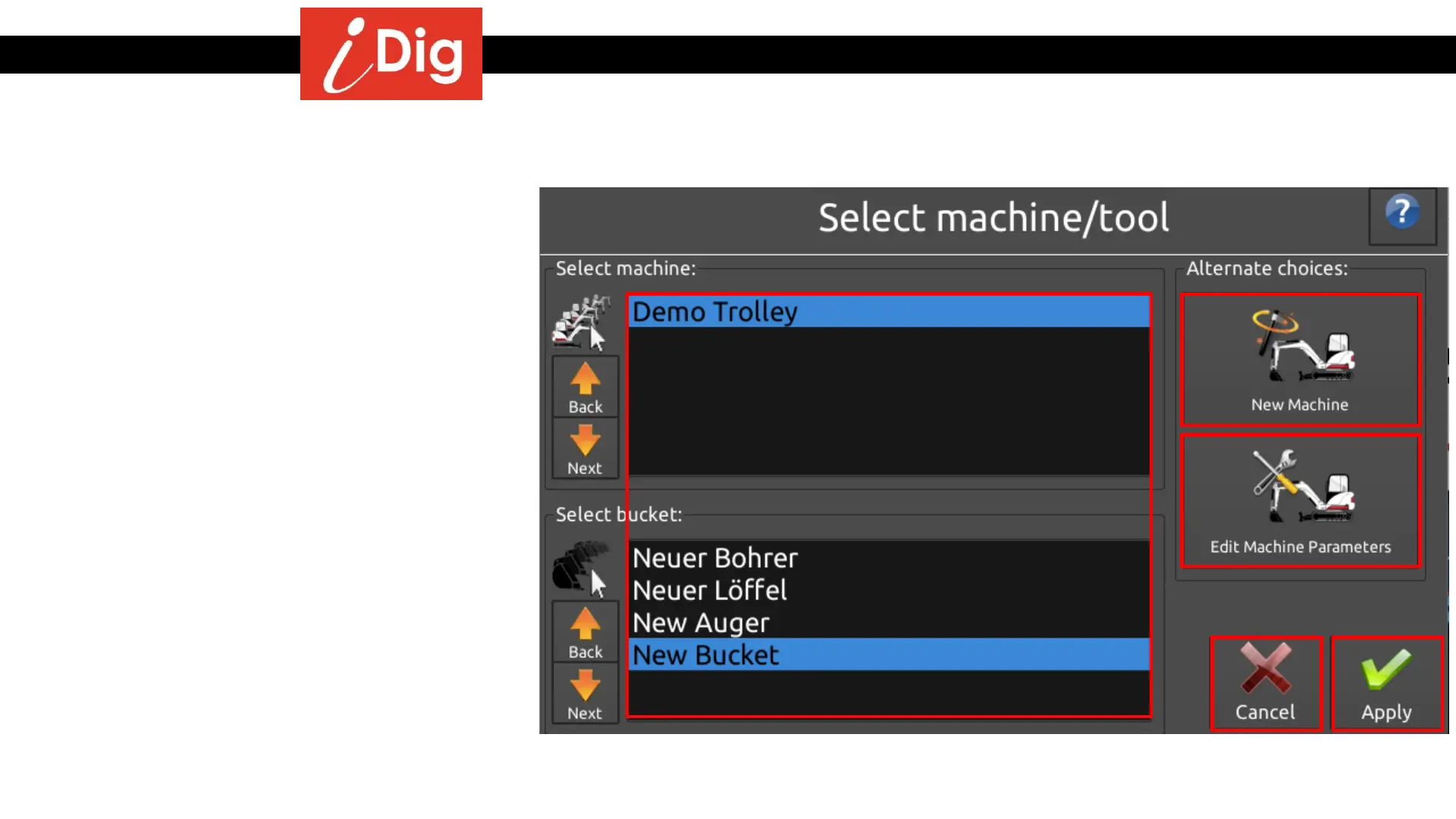
• You can select which machine and bucket that you
will be working with that particular day from your
library. Just scroll down and highlight the
appropriate combination and press “Apply”.
• You can start the calibration process for a new
machine by clicking on the “New Machine” button.
• You can access a machine’s settings by highlighting
the machine and clicking on “Edit Machine
Parameters”.
• Or you can hit “Cancel” and return to the Main
Screen.
Select Machine/Tool



 To Next Page